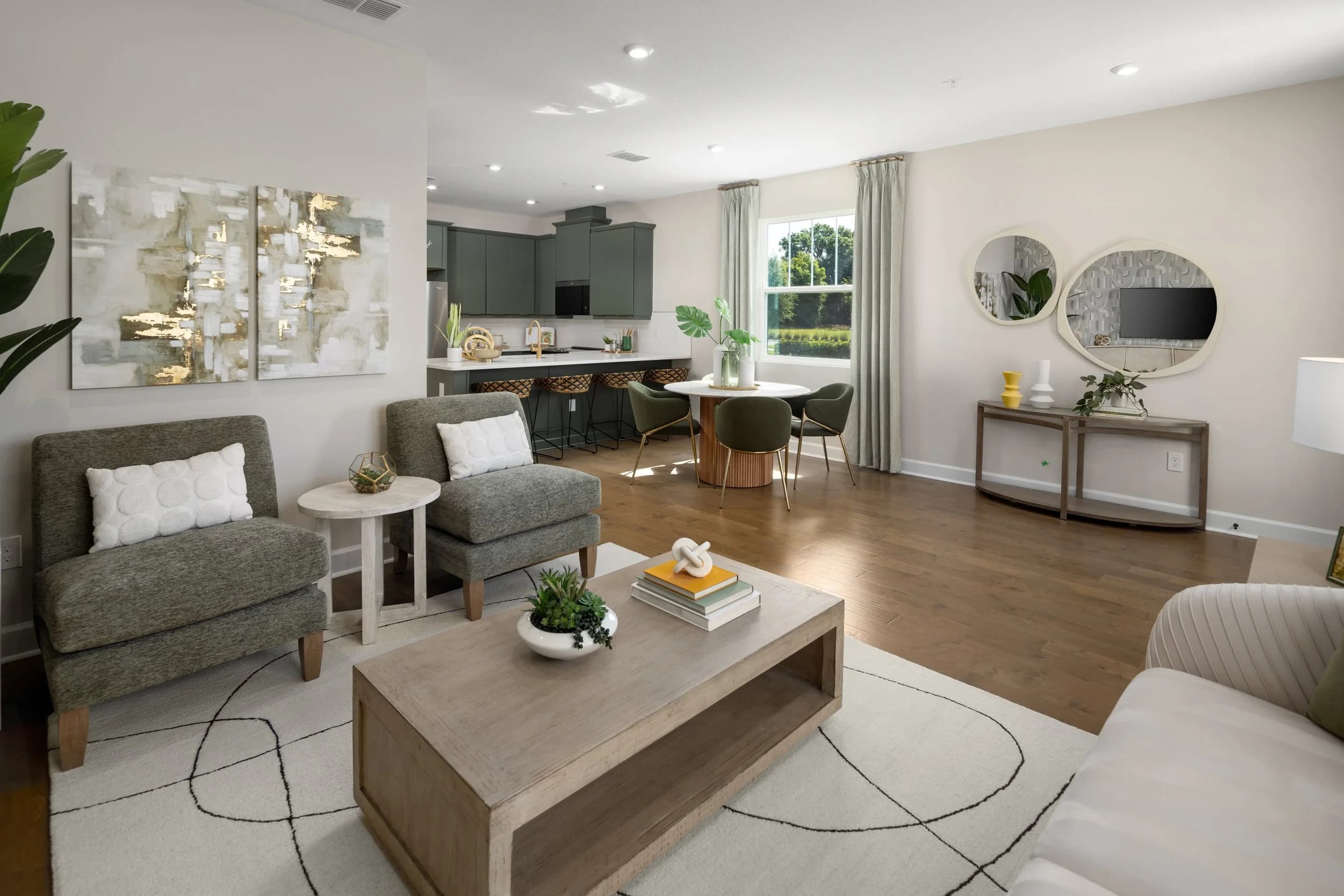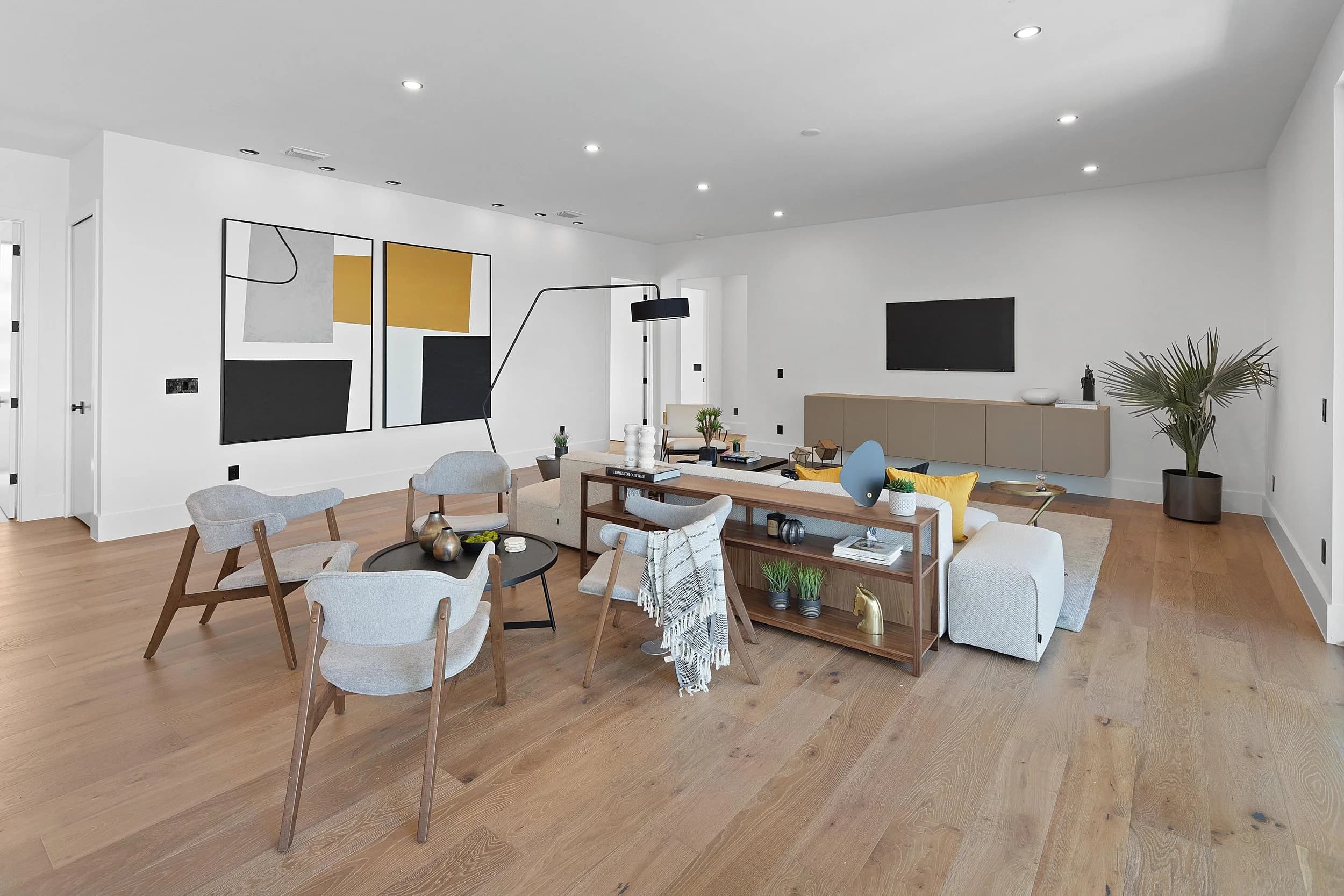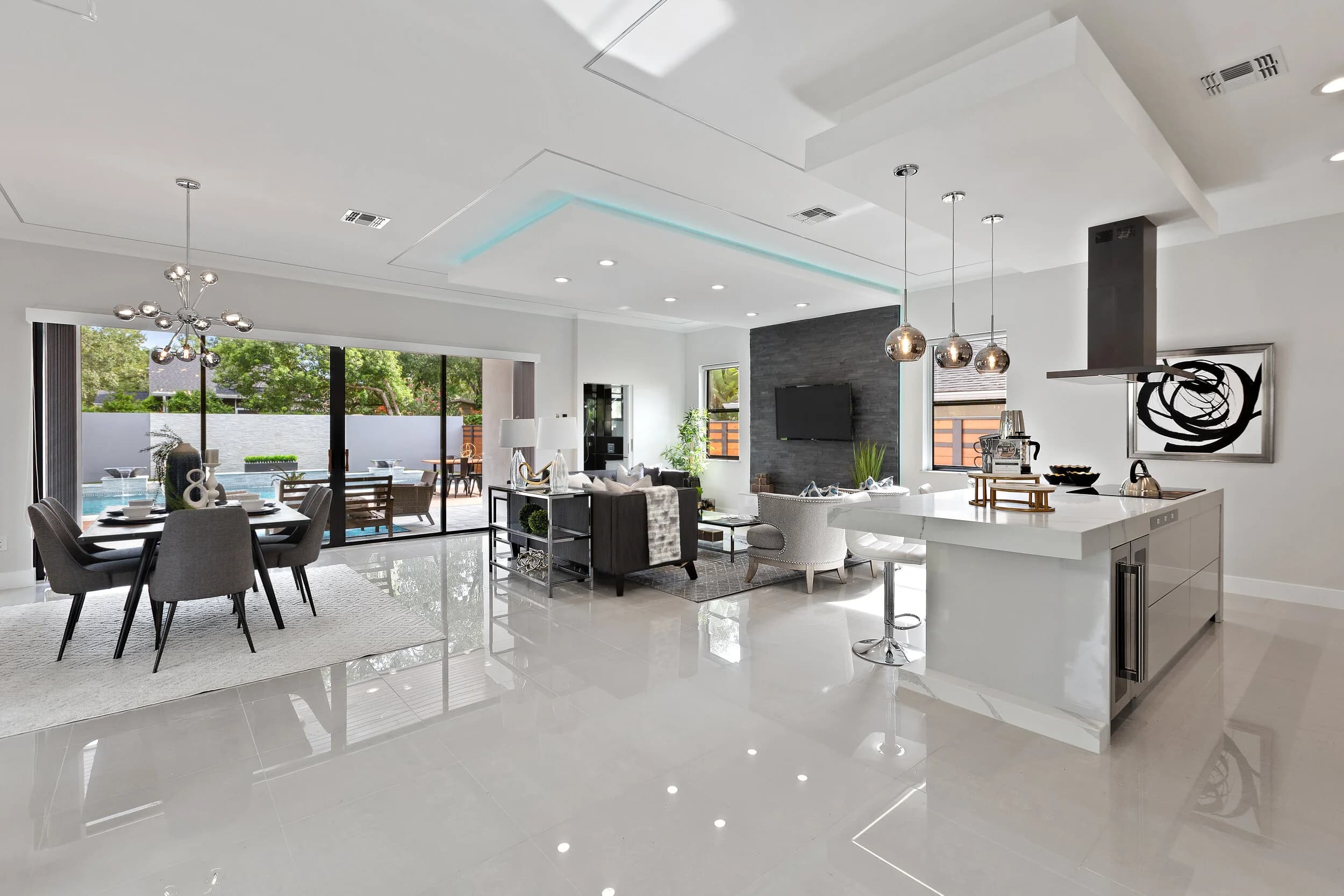
Yes, you can take real estate photos with an iPhone, and for some jobs it is the right call. A recent iPhone shoots sharp, clean images in good light, and many agents use one for a first look at a property, a short social post, or a coming-soon teaser. What a phone cannot reliably do is produce the consistent, wide, window-balanced gallery that buyers in Orlando, Tampa Bay, Austin, and San Antonio expect from a full MLS listing. Here is an honest breakdown of where the phone holds up and where it falls short.
Where an iPhone Works Well
Phones are good at documentation and speed. Use one when the goal is to record a property, not to sell it:
- Walking a listing appointment and capturing reference shots of each room for your notes.
- Noting repairs, staging problems, or items to remove before the photographer arrives.
- Posting a behind-the-scenes story or a coming-soon teaser while the real gallery is being prepared.
- Recording a rental or move-in condition for your own files.
In these cases nobody is judging composition against the competing listing down the street, so the convenience wins.
Where the Phone Falls Short
The gaps show up in the exact situations that decide whether a buyer clicks. The standard lens on a phone is wider than a human eye but not wide enough for a tight bedroom or a bathroom, and the ultra-wide lens bends lines and stretches corners. That distortion is a big reason some photos look off, which we cover in why some real estate photos look fake.
Windows are the second problem. A phone makes one automatic exposure decision, so you either get a bright view and a dark room, or a bright room and a white, blown-out window. Florida homes with big lanai doors and tall glass make this worse. A photographer blends several exposures or adds controlled flash so the room and the view both read correctly, a problem we look at in blown-out windows and what they cost a listing.
Finally, phones struggle with consistency. Color shifts from room to room, vertical lines lean, and the gallery ends up looking like a mix of different shoots instead of one polished presentation.
What a Professional Setup Adds
A working photographer brings a tripod for level, repeatable framing, lenses chosen for the room, and lighting that keeps color accurate from the kitchen to the primary suite. Just as important is the editing: straightened verticals, balanced windows, and a matched look across every image. The difference between wide lenses is its own subject, covered in wide-angle versus fisheye, and the lighting approach is compared in HDR versus flash.
A professional shoot also covers what a phone cannot: drone and aerial views, twilight exteriors, video, floor plans, and Matterport or Zillow 3D Home tours. For agents, the practical benefit is time. Listing galleries are delivered within 24 hours, video in 48 to 72 hours. Larger properties take a little longer. You are not spending your evening editing, and you are not guessing whether the photos are good enough.
A Simple Way to Decide
Ask three questions before you reach for the phone:
- Is this going on the MLS or a portal? If yes, use a professional. Those photos are the listing's first showing.
- Does the home have strong light problems, tight rooms, or a standout view? Those are exactly the cases where phones struggle.
- Is the price point one where buyers compare closely? The more competitive the segment, the more a polished gallery matters.
If you answered no to all three, a phone may be fine for the moment. If you are comparing it with a lidar scan for 3D, that is a separate question, answered in iPhone lidar versus Matterport Pro3.
Using Both Without Hurting the Listing
The best agents treat the phone as a note-taking tool and the photographer as the presentation. Take your own reference shots during the appointment, send them to the photographer with a short note about priorities, and let the professional gallery lead everywhere the buyer looks first. Phone photos can still support your social posts, as long as they are not mixed into the MLS gallery where they would drag down the set.
If you are not sure which approach fits a particular listing, ask your photographer before the shoot. A short conversation about the home, the price range, and the audience usually settles it. When you are ready to choose a partner, ask to see full galleries from past shoots, not just a few favorite frames, and check that the look stays consistent from room to room.
Ready to book? Call or text (689) 600-2131 or get in touch.