Some of the most expensive features in a home are almost invisible in a photo. Whole-home audio, motorized shades, app-controlled lighting, security systems, and a dedicated theater with acoustic panels can add real appeal for buyers. But a speaker in the ceiling looks like a small white circle, and a theater with the lights off looks like a dark room.
For agents listing well-equipped homes in Orlando, Tampa Bay, Central Florida, Austin, and San Antonio, the challenge is making those systems visible without turning the gallery into a gadget catalog. This guide covers how to plan the shoot so buyers notice the technology and understand what it does for daily life.
Decide Which Features Actually Sell
Not every device belongs in the photos. A smart thermostat or video doorbell is expected in many homes and rarely moves a buyer. Focus on features that change how the house feels or works:
- A dedicated theater or media room with tiered seating, a projector, or acoustic treatments.
- Motorized shades or blackout systems, especially on large windows and sliders.
- Scene lighting that shifts a room from bright to warm and moody.
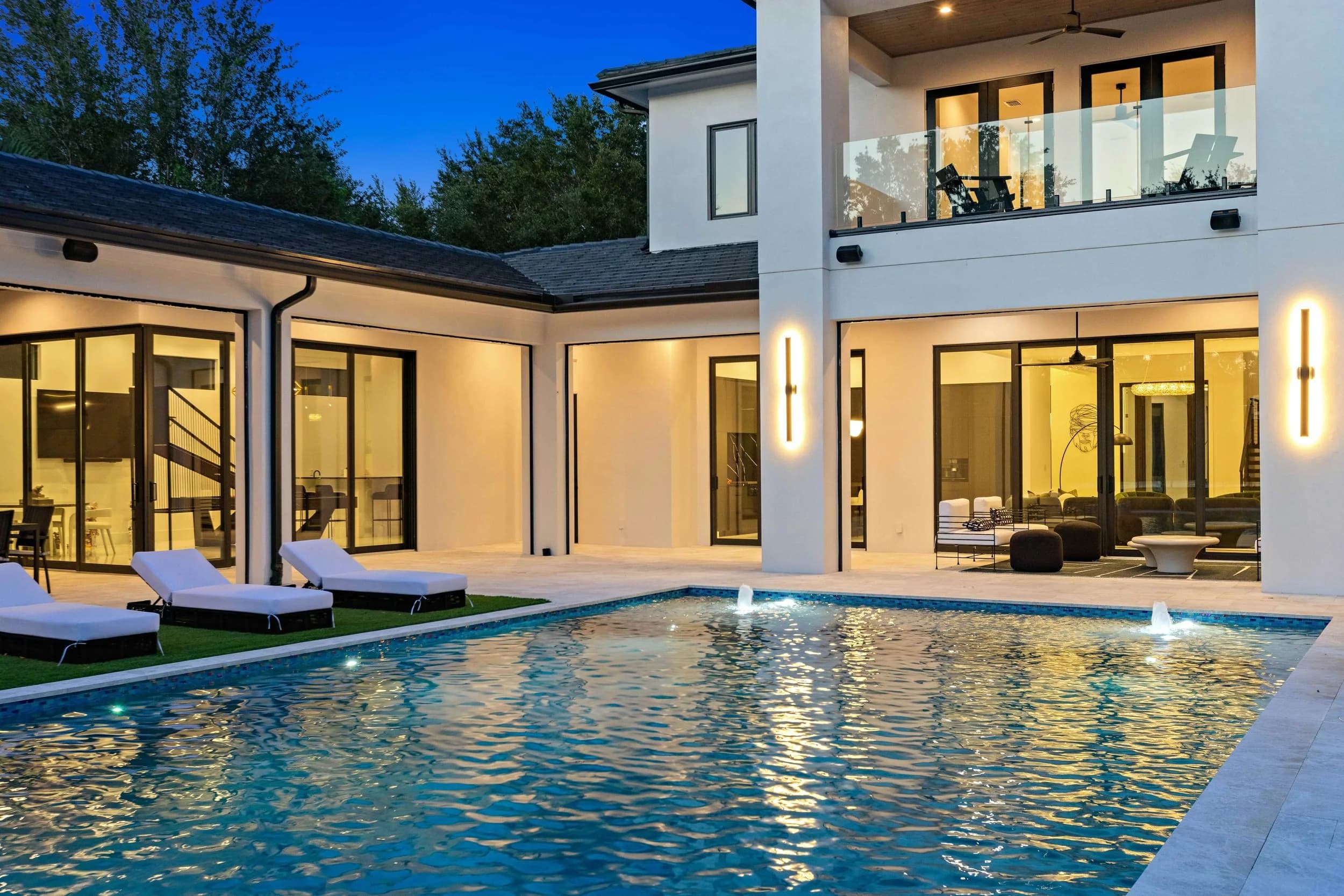
- Whole-home or outdoor audio, particularly around a pool or lanai.
- A central control panel, rack room, or structured wiring closet for buyers who care about the back end.
Ask the seller, or the integrator who installed the system, for a short list of what is included and what conveys with the sale. That list keeps the photos and the listing remarks consistent.
Make Invisible Systems Visible
The trick is to show the effect, not the hardware. A pair of photos of the same living room, one with shades open to the view and one with shades lowered and accent lighting on, shows motorized shades and scene lighting more clearly than any close-up of a keypad. Our post on twilight interior photography explains how evening frames show off lighting design.
For the theater, the photographer will usually balance the room's own lighting with a little added light so the seating, screen wall, and finishes are visible while the room still feels like a theater. Putting a tasteful still image on the screen, rather than a blank wall or a glowing logo, helps the room read clearly. Avoid showing copyrighted movie scenes or anything with recognizable people.
Include a Few Honest Detail Frames
Once the effect is shown, one or two detail frames can confirm what buyers are seeing. A wall-mounted control panel, an in-wall touchscreen, a neatly organized equipment rack, or an outdoor speaker blended into landscaping can all work. Keep these frames clean and well lit. Our guide to detail shots covers how a few close frames support the wider story.
Before the shoot, turn off or hide any screens showing the seller's personal information, camera feeds, account names, or the home's security layout. A control panel showing which doors are unlocked is not something to publish.
Use Video for What Stills Cannot Show
Some features only make sense in motion. Shades lowering across a wall of glass, lights shifting through a scene, or a projector screen dropping from the ceiling are naturally short video moments. A brief clip inside a listing video, or a short vertical clip for social media, can do more than a dozen stills. A 3D tour also helps buyers understand where the media room sits relative to the rest of the house.
Prepare the Home So the Tech Works on Shoot Day
Technology can fail at the worst moment. Confirm the seller or integrator has left working remotes, app access, or written instructions for every scene and shade group the photographer will need. Charge any battery-powered shades. Make sure the theater projector warms up correctly and the screen is free of dust. If the seller will not be present, name someone reachable who knows the system.
For a broader look at preparing a high-end listing, our post on what sets a luxury listing shoot apart covers the rest of the house.
Let Buyers Feel the Difference
Smart-home features sell when buyers can picture using them. Show the before and after, keep the hardware frames minimal, protect the seller's privacy, and use motion where it helps. Listing galleries are delivered within 24 hours, video in 48 to 72 hours. Larger properties take a little longer. Ready to book? Call or text (689) 600-2131 or get in touch.