A resale listing has one front door. It goes into the MLS, and the portals arrange it from there. New construction does not work that way. A builder's inventory shows up on the company website, on one or more new-home portals, sometimes on the MLS, and often inside a feed provider's system that pushes to several destinations at once. Each of those destinations has its own idea of what a complete image set looks like.
The result is familiar to anyone who has managed a builder's marketing: the same six exteriors everywhere, a community page with no community in it, and eight floor plans all illustrated with interiors from the one model home that happened to be finished. None of that is really a photography problem. It is an asset-planning problem, and it is worth solving before the next community launches rather than after.
Community-level and plan-level assets are two different libraries
Most portals separate the community listing from the individual plan or quick-move-in listing, and they draw from different image pools. Treating them as one pile is where the trouble starts.
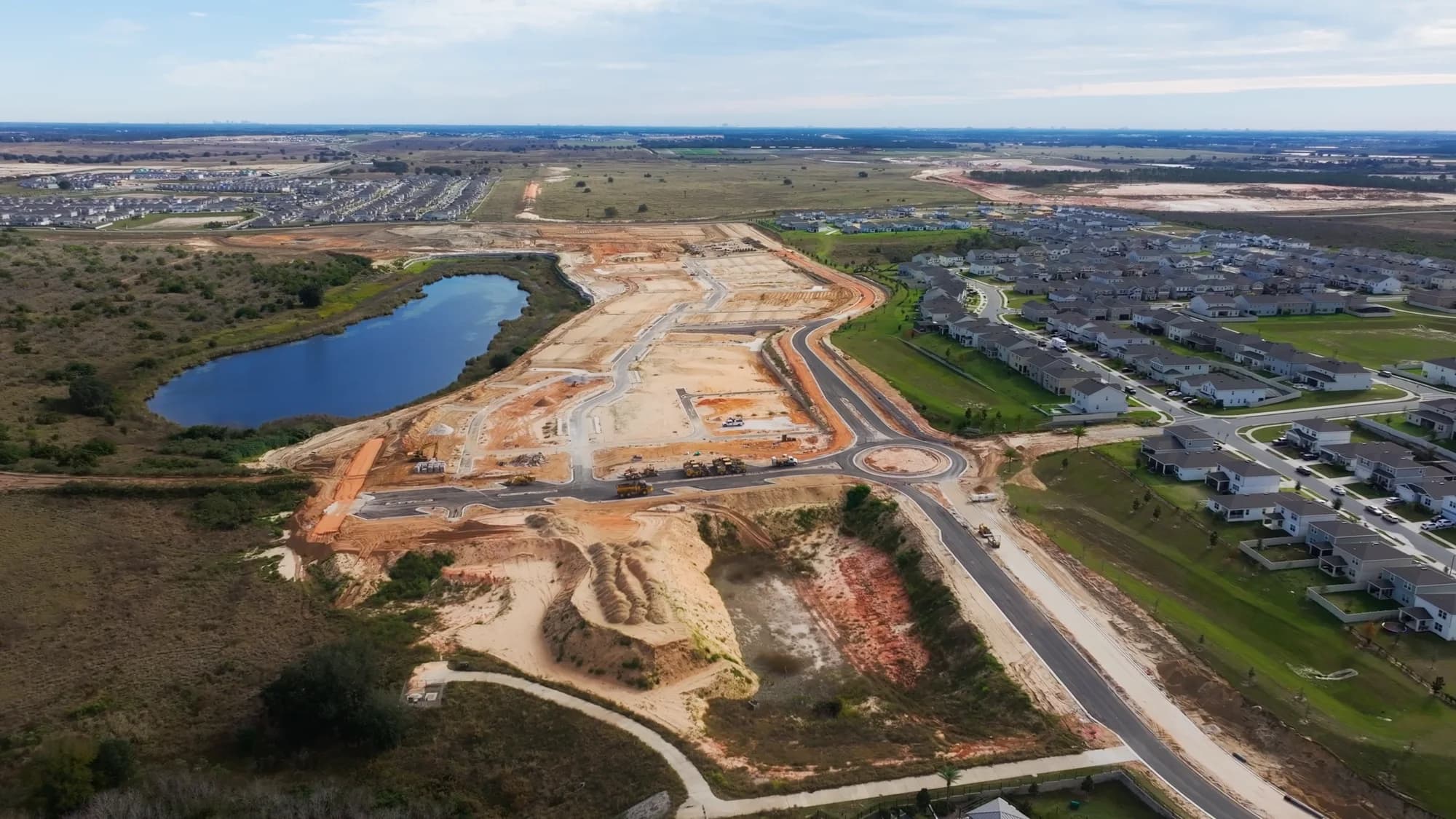
Community-level assets carry the place: the entrance monument, the amenity center, the pool and cabana, trails and green space, streetscapes once enough homes are up, and aerials that show where the community actually sits in Orlando, Tampa Bay, Austin, or San Antonio. A buyer browsing communities is deciding whether to drive out on Saturday, and these are the images doing that work.
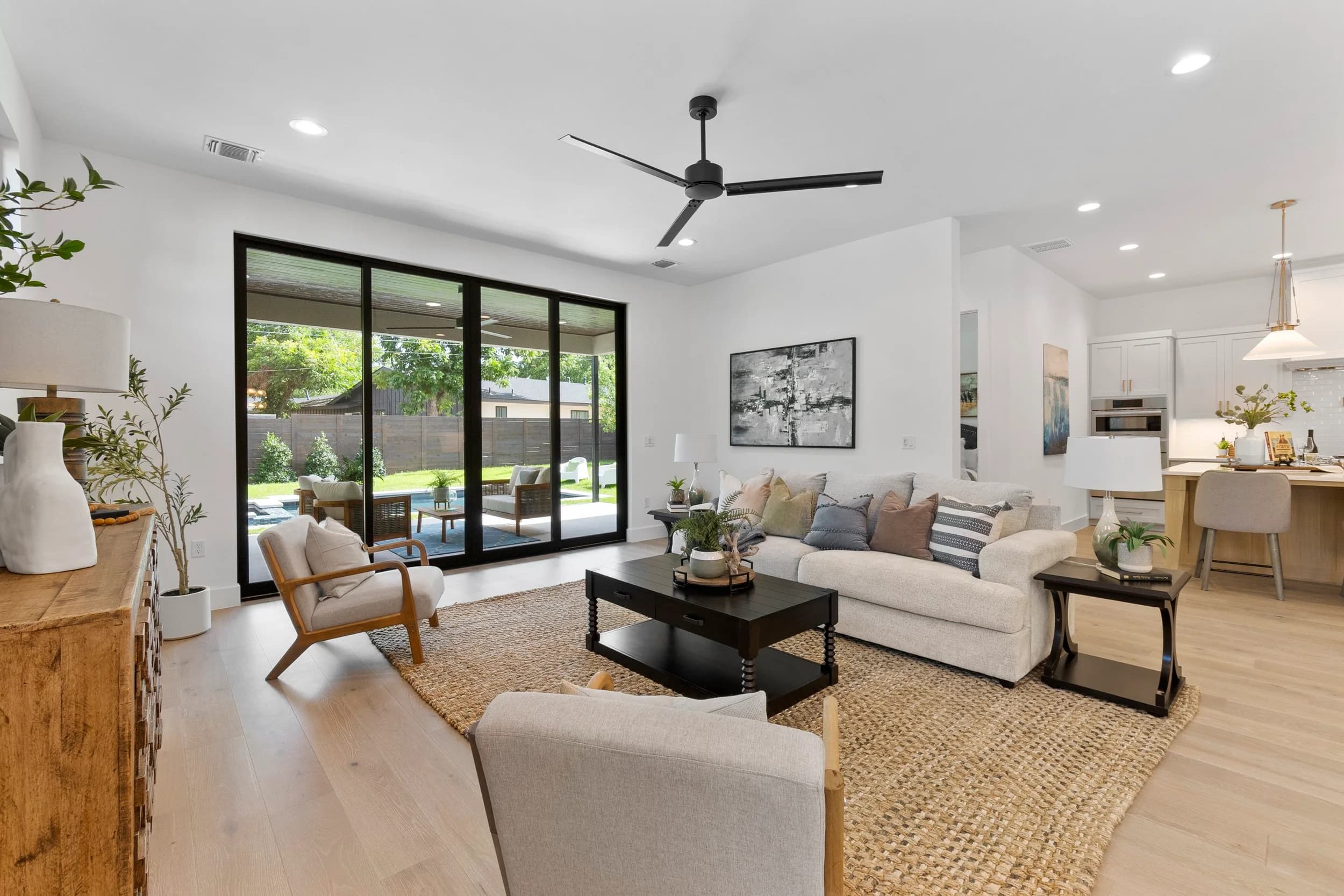
Plan-level assets carry the house: the elevations of that plan, interiors that match its layout, and the rooms buyers judge hardest. If your kitchen photo shows an island configuration the plan does not have, you have created a conversation your sales team has to walk back in person. Building the library deliberately over a build-out is the subject of a separate post on keeping a quarterly photo library for builder marketing, and the community-versus-plan split is a good organizing principle for it.
Elevation photography is the hardest piece and the most often skipped
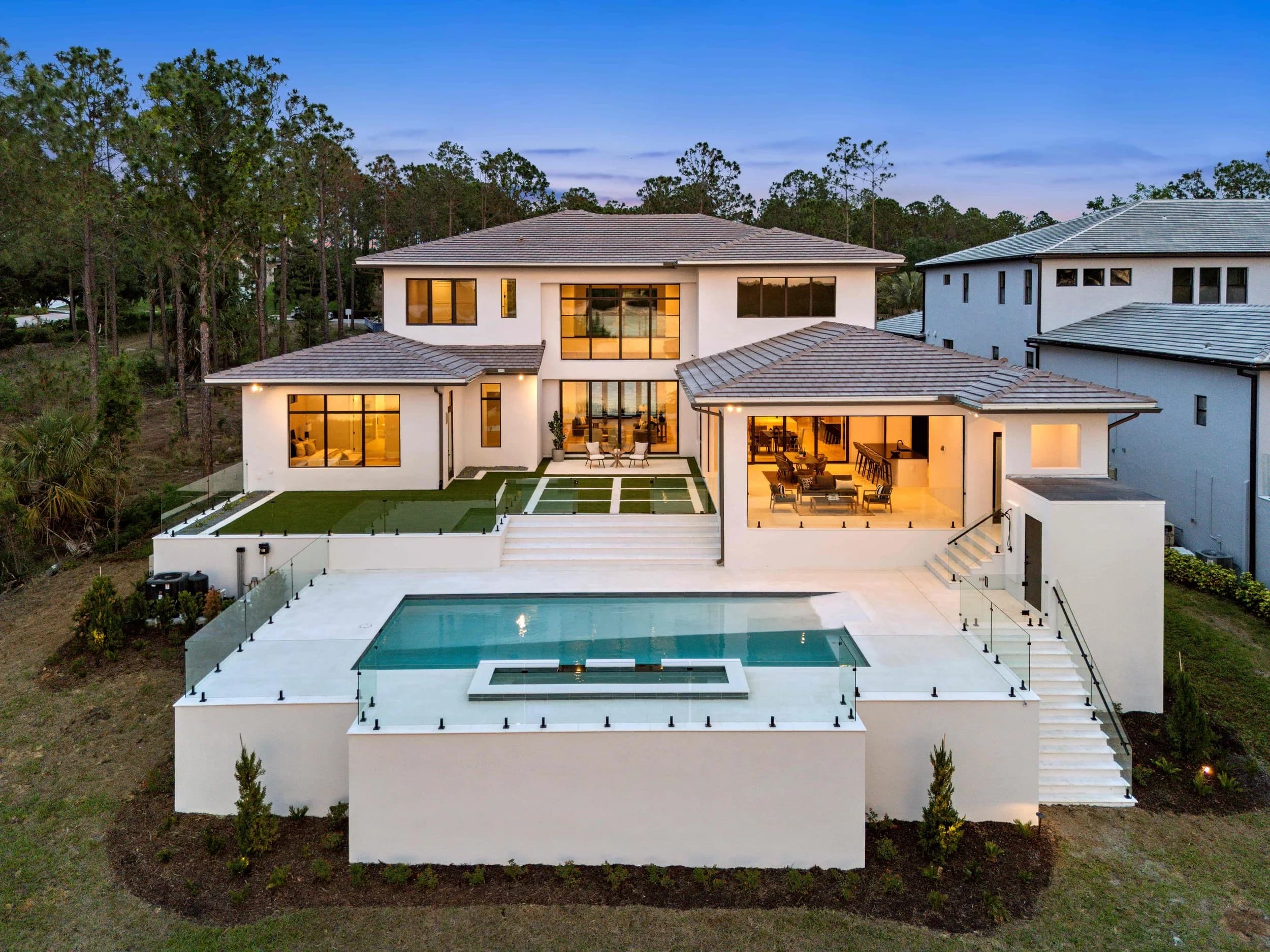
A single plan may offer three or four exterior elevations. A buyer who has settled on elevation C wants to see elevation C, and a stock rendering is a poor substitute once real homes exist. But elevations do not all finish at once, which means elevation coverage is not a shoot, it is a program.
A few things make that program manageable:
- Keep a running list of which plan-and-elevation combinations you have real photography for, and which are still represented by a rendering.
- Capture elevations as homes complete, in batches, rather than waiting for a full set.
- Vary the approach angle and the position on the street. If every elevation is shot dead-on from the same distance in the same light, the gallery reads as one house photographed four times.
- Note which homes are sold. A sold home is still a valid elevation reference, but portals and feeds sometimes treat sold inventory differently, and your provider may pull those images down with the listing.
The related problem of marketing a plan before a real one is standing is covered in the post on photographing spec homes before they are finished.
Ask your feed provider what happens to the images, rather than guessing
This is the part worth being honest about: per-portal image specifications change, and different feed providers handle the same portal differently. Anything written down as fact in a blog post has a short shelf life. So instead of specs, here is the list of questions to put to whoever manages your feed.
- How many images does each destination actually display, and does it display them in the order we set?
- What aspect ratio does each one crop to, and does it crop from the center or from the top?
- Does the feed pass video and 3D tours through, or only still images?
- Is there a file size or dimension ceiling, and does the system recompress on the way in?
- Which images belong to the community record and which belong to the plan record, and can the same file be used in both?
- When a home sells, what happens to its photography?
The answers determine how you shoot and how you order the gallery. Crop behavior in particular is why a hero image that looks correct on your own site can arrive elsewhere with the roofline cut off. That mechanism, and why images soften on the way through a portal, is unpacked in the post on why listing photos look worse on portals.
Shoot one master set and derive everything else from it
The practical approach is to capture to the most demanding requirement in the stack and then produce the smaller, tighter, differently cropped versions from that master. Deriving down is straightforward. Rebuilding up from a file that was already compressed for a portal is not possible, and it is the most common reason a builder ends up reshooting.
Name files so a person can find them without opening them: community, then plan, then elevation, then room. Six months in, when a portal asks for a different crop of the amenity center, the difference between a two-minute task and an afternoon is whether the naming held up. The same discipline applies to your own site, where image weight has consequences the portals do not share, covered in the post on photo and video specs for builder websites.
If you are planning a community launch and want to map the asset set against every place it has to land, that conversation is worth having before the first shoot rather than after the third. Ready to book? Call or text (689) 600-2131 or get in touch.