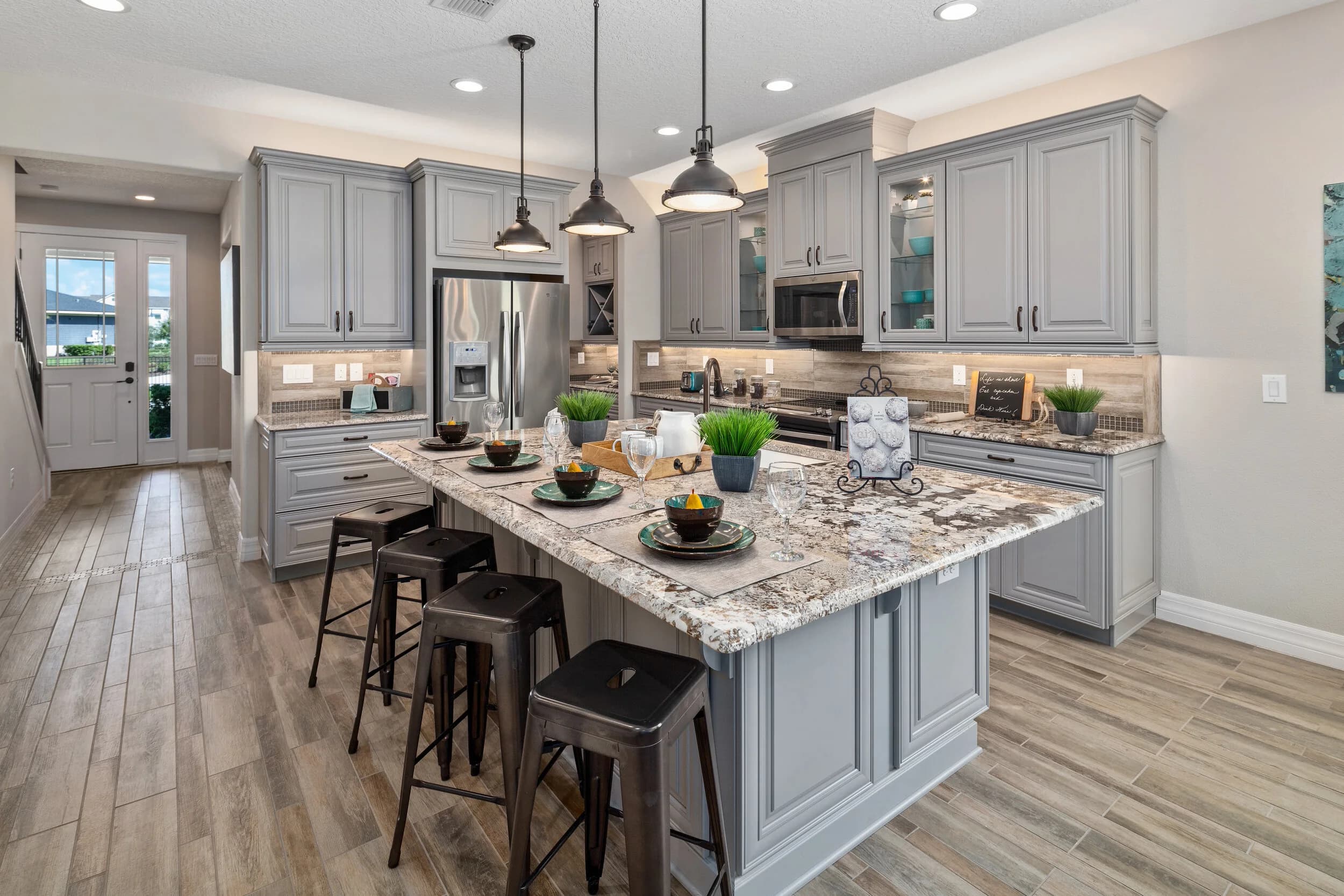
Email is still one of the most direct lines a home builder has to buyers. Interest lists, realtor partners, past buyers and people who walked a model last month all read the same inbox. And in almost every builder email, the photos do most of the work. A well-chosen image gets the click. A slow, oversized or badly cropped one gets the email deleted.
This post covers how builders in Orlando, Tampa Bay, Austin and San Antonio can get more out of the model home, community and spec home photos they already own when those photos go into email. It is not about the website or listing feeds, which have their own rules.
Pick one image for one job
The most common mistake in builder email is too many photos. A newsletter with twelve thumbnails gives the reader nothing to focus on. A better pattern is one strong hero image per message, chosen for the single thing that email is about.
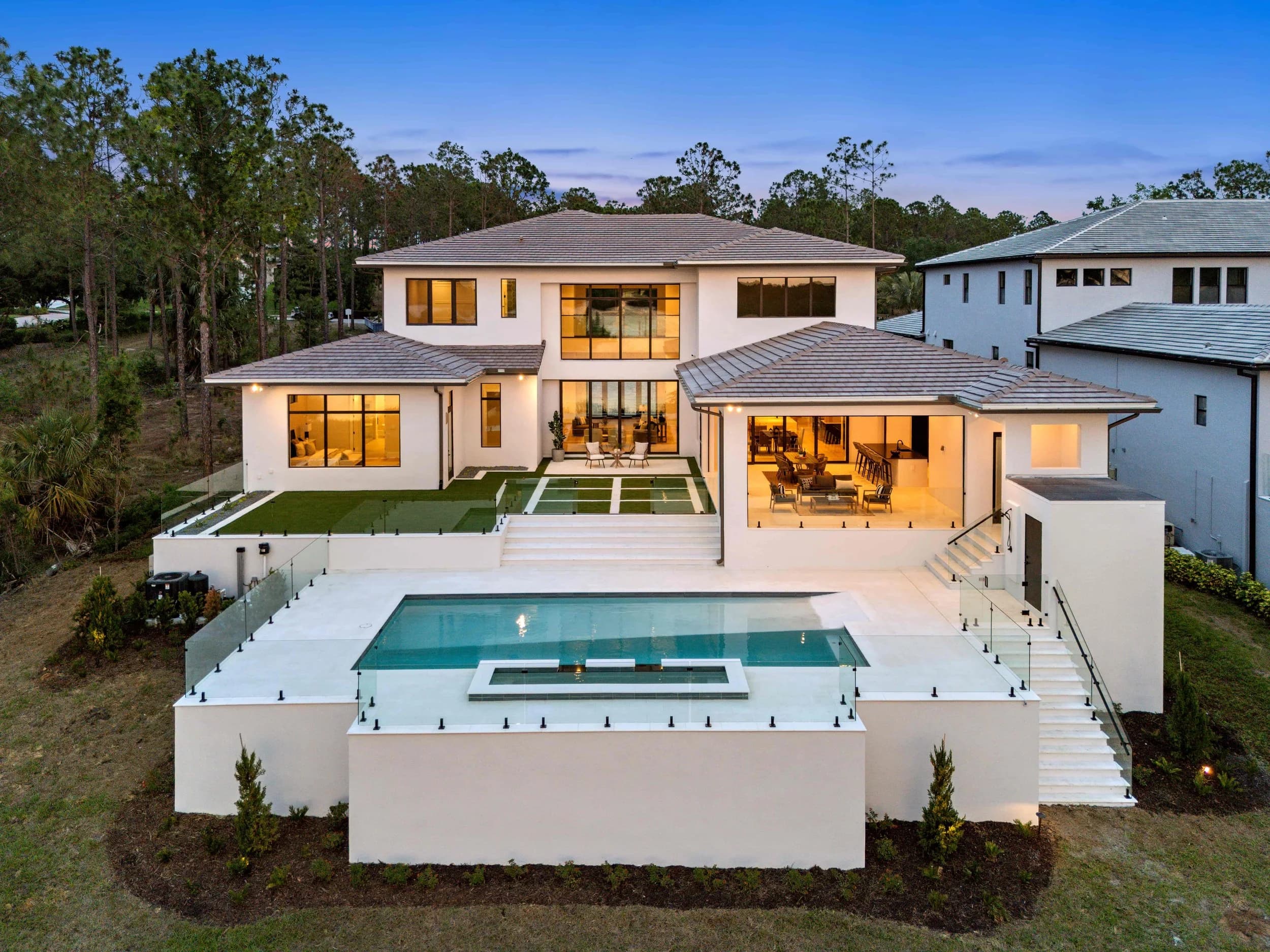
- New spec home available: the front exterior or the main living area, whichever is the stronger frame.
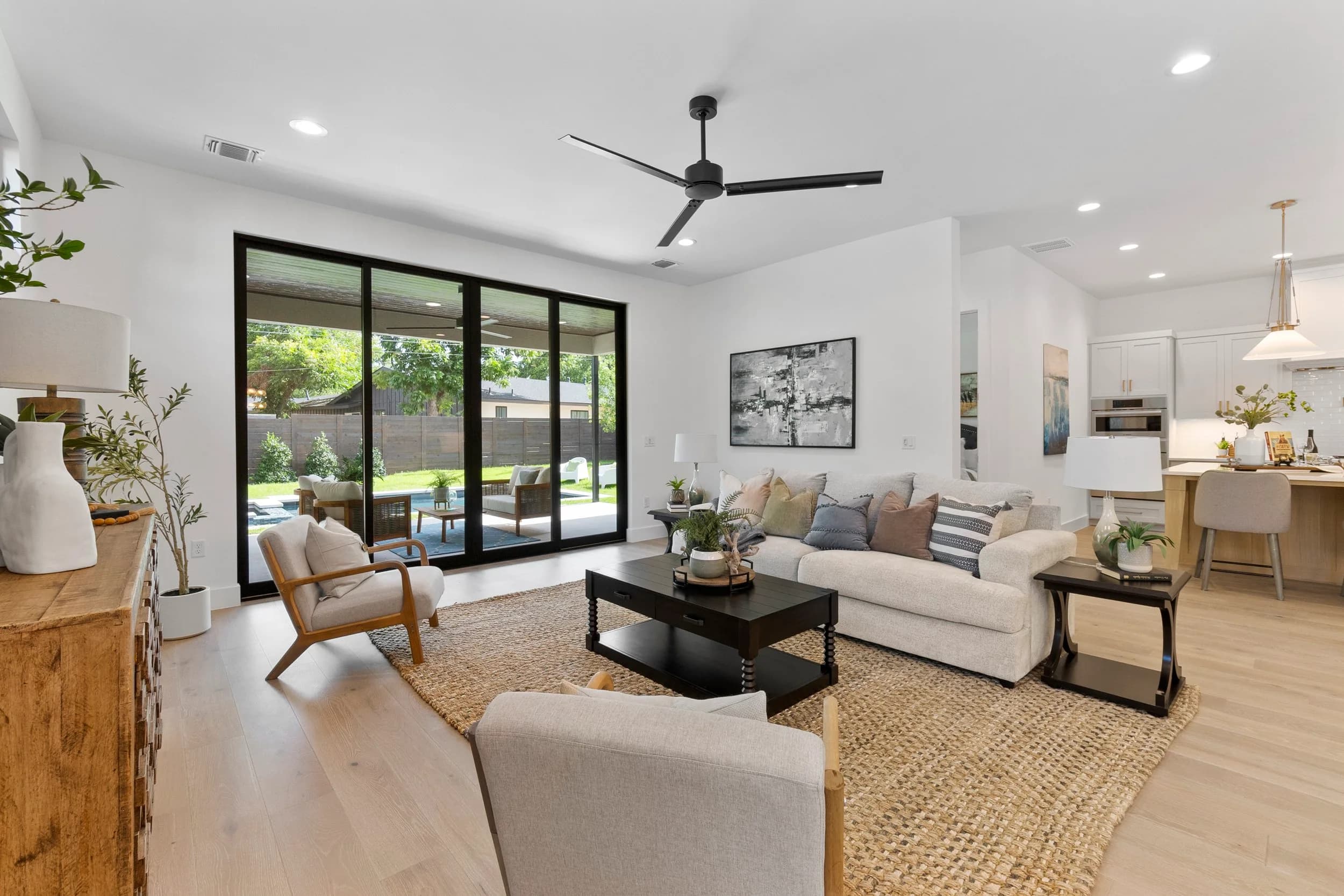
- Model grand opening: the room that shows the design story, often the kitchen or great room.
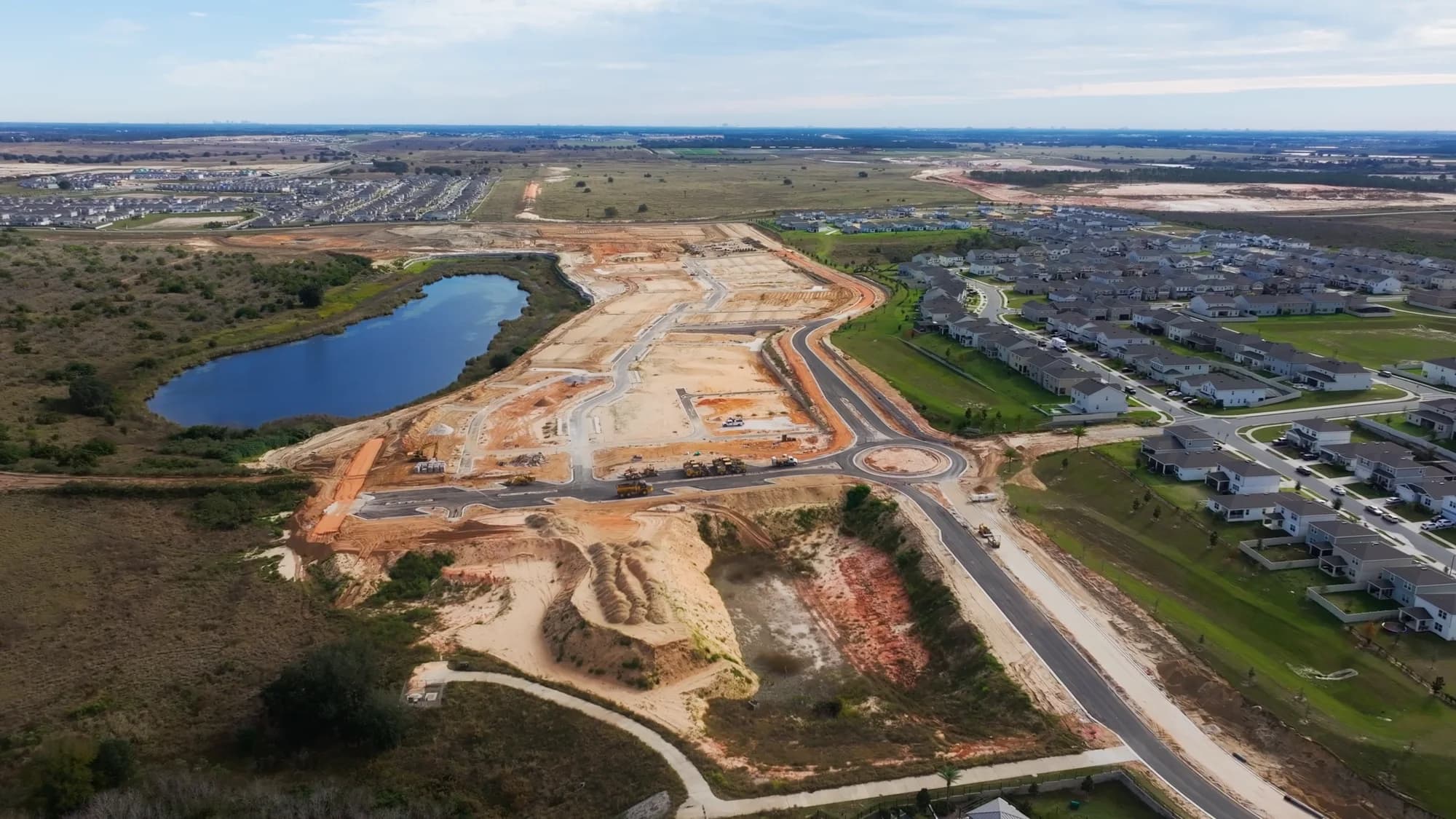
- New phase or homesites released: an aerial that shows the lots in relation to the amenity or entrance.
- Realtor partner email: a clean exterior plus one standout interior, because agents want something they can share with buyers.
Supporting images can sit lower in the email, but the first image should answer "why should I open this?" on its own.
Crop for the phone first
Most people read email on their phones, and email layouts usually shrink images to fit a narrow column. A wide, detailed architectural frame that looks great on the website can turn into a small strip of roofline in an inbox.
- Choose images with one clear subject. A kitchen island or a front porch reads at small sizes. A wide room with four focal points does not.
- Consider a tighter crop or a vertical version of the hero image for email. A good photographer will cover both orientations of key rooms when asked.
- Keep text out of the photo. Headlines and offers belong in live email text, not baked into the image, so they stay readable and still show up when images are blocked.
Keep files light so the email loads
Full-resolution photos are far too heavy for email. They slow the message down, eat into mobile data and can push an email toward the spam folder. Export a separate email version of each image: sized to the width the email template actually displays (often around 600 pixels wide, or double that for sharp display on high-resolution phones) and compressed until the file is small without visible artifacts.
Always add short, descriptive alt text, such as "Front exterior of a two-story model home at dusk." It helps readers who use screen readers and gives context when an email client blocks images. Our guide to builder website photo and video specs covers sizing for the web, and the same discipline applies here with tighter limits.
Video in email: link it, don't embed it
Most email clients won't play embedded video reliably. The approach that works is a still frame from the video with a play button graphic, linked to the video on your website or YouTube. Pick a frame that works as a photo on its own, like an aerial of the entrance or a bright interior, rather than a blurry mid-motion moment. A short looping GIF made from the video can also work, as long as the file stays small.
Licensing and a consistent library
Before photos go into email campaigns, check that your license covers marketing use beyond the listing itself. Builder agreements usually do, but realtor co-op partners may need permission to reuse images in their own emails. Our post on who owns your listing photos explains how those rights usually work.
Consistency matters too. When every email draws from the same organized set of approved images, your brand looks the same in the inbox as it does on the website and in syndication. Building a quarterly photo asset library makes it much easier for whoever builds the emails to find the right image without guessing.
Good email photography isn't a separate shoot. It's the right selection, crop and export of the images you already have, planned with email in mind from the start. Ready to book? Call or text (689) 600-2131 or get in touch.