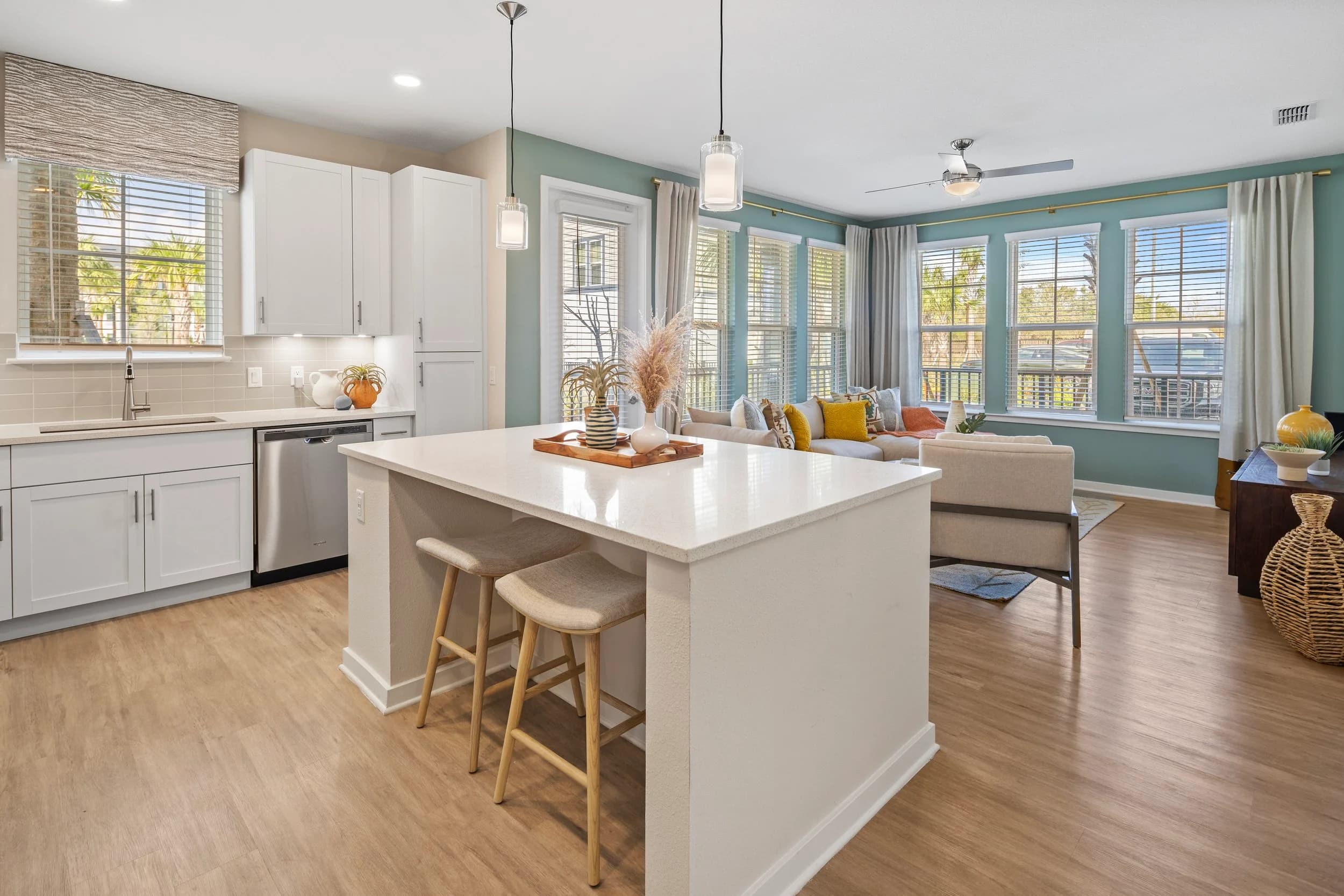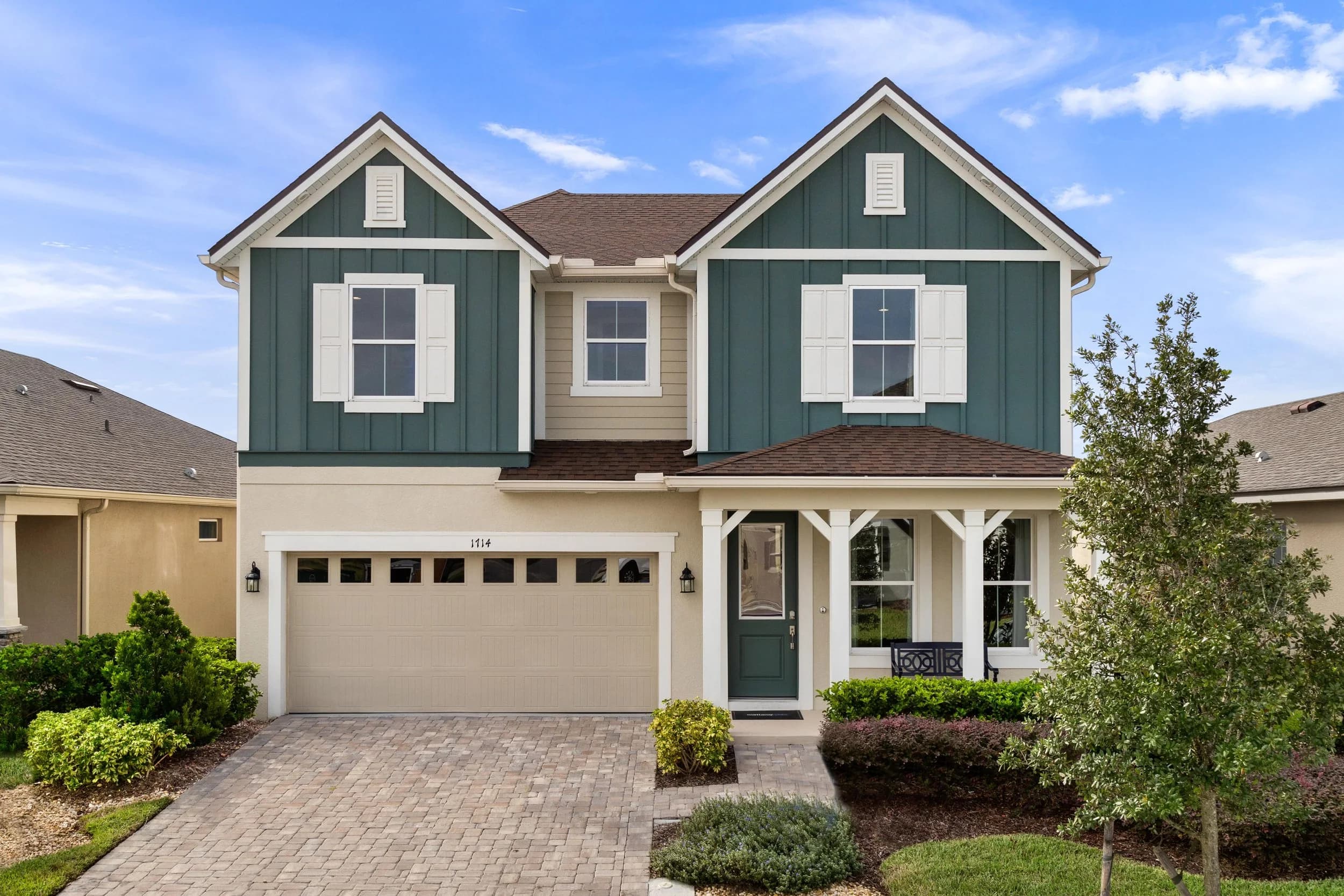
Model homes are built to impress, and most are full of options: upgraded cabinets, designer lighting, extended lanais, wall treatments and furniture that never conveys. That is exactly what a model is for. The trouble starts when the photos travel beyond the model. A buyer scrolling a community page in Orlando, Tampa Bay, Austin or San Antonio sees a kitchen and assumes that is what comes standard. When the contract shows something different, trust takes a hit that no amount of follow-up fully repairs.
Builders don't need to stop showing upgrades. They need photo sets and captions that make clear which is which. This guide covers how to plan for that at the shoot.
Why the gap between model and standard matters
Buyers shop new homes online long before they visit a sales center. They save photos, compare plans across communities and arrive with expectations already set. When the model is the only source of imagery, every option in it becomes part of what the buyer thinks they are getting. The friction shows up in a few places:
- Sales conversations that start by walking back assumptions instead of selling.
- Design center appointments where the cost of options comes as a surprise.
- Reviews and complaints that the home "didn't look like the pictures."
Honest imagery protects the sales team as much as the buyer.
Plan two kinds of image sets
The simplest fix is to plan, at the shoot, for both an aspirational set and a reference set:
- The model set is the fully styled, fully optioned home. It sells the lifestyle and leads on the community page, social channels and advertising.
- The standard set shows included features clearly: the standard kitchen package, flooring, bath fixtures and exterior elevation. It can come from a quick move-in home built to standard, or from close-up detail frames of standard selections.
If a quick move-in home with standard finishes is available in the same community, it is often the best source. Photographing it alongside the model lets buyers compare the two directly. For plans offered with several elevations, our guide to photographing a builder's plan library covers how to keep angles consistent so comparisons are fair.
Shoot the options so they can be labeled
Some upgrades are easy to point out in a caption; others blend into the room. A few shooting habits make labeling easier:
- Give major options their own frames. An extended covered lanai, an upgraded kitchen layout or a converted flex room each deserve a frame where the option is the subject, so the caption has something clear to describe.
- Capture finish levels in detail shots. Cabinet doors, countertops, flooring and fixtures in close-up make it easy to show included and upgraded finishes side by side.
- Don't let furniture do all the selling. Include at least one frame of each key room that shows the architecture, not only the décor, so buyers can picture their own furniture in it.
- Put the options on the shot list. Have the sales or marketing lead walk the model with the photographer before the shoot and list which features are upgrades. That list becomes the caption sheet.
Captions, disclaimers and where the photos go
Labeling only works if it travels with the image. Plan for how each set will be used:
- Captions on the builder website, such as "Model shown with optional extended lanai" or "Standard kitchen package shown," do most of the work.
- A clear general disclaimer that models show options and furnishings not included in the base home, written by the builder's own team and placed where buyers will see it.
- Syndicated listings. When photos feed new-home portals and the MLS, captions and disclaimers can get stripped along the way. Lead those galleries with the standard set or the specific home being sold. Our post on new-home syndication photo and video assets covers what each channel needs.
- Keeping sets current. When the standard package changes or the model is redecorated, update the images to match. See what to reshoot after a model home décor refresh.
JRP photographs model homes and new communities for builders across Orlando, Tampa Bay, Austin and San Antonio, and can plan both sets in one visit. Delivery timing is confirmed at booking.
Showing upgrades honestly makes the model work harder, not less. Ready to book? Call or text (689) 600-2131 or get in touch.