Vacation rental owners refresh their properties all the time: a new sofa, fresh paint, upgraded bedding, a game room conversion, a heated pool. The listing photos rarely keep up. Guests then arrive to find a home that looks different from what they booked, which can lead to confused reviews even when the change was an improvement. Worse, the upgrades that should be winning bookings are invisible in the gallery.
This guide is for short-term rental owners and property managers in Orlando, Tampa Bay, Central Florida, Austin and San Antonio. It covers which changes call for new photos, which images to replace first, and how to plan a reshoot so it fits between guest stays.
Changes that call for new photos
Not every update needs a full reshoot. A good rule: if a guest would notice the difference between the photo and the room, the photo needs to change. The most common triggers are:
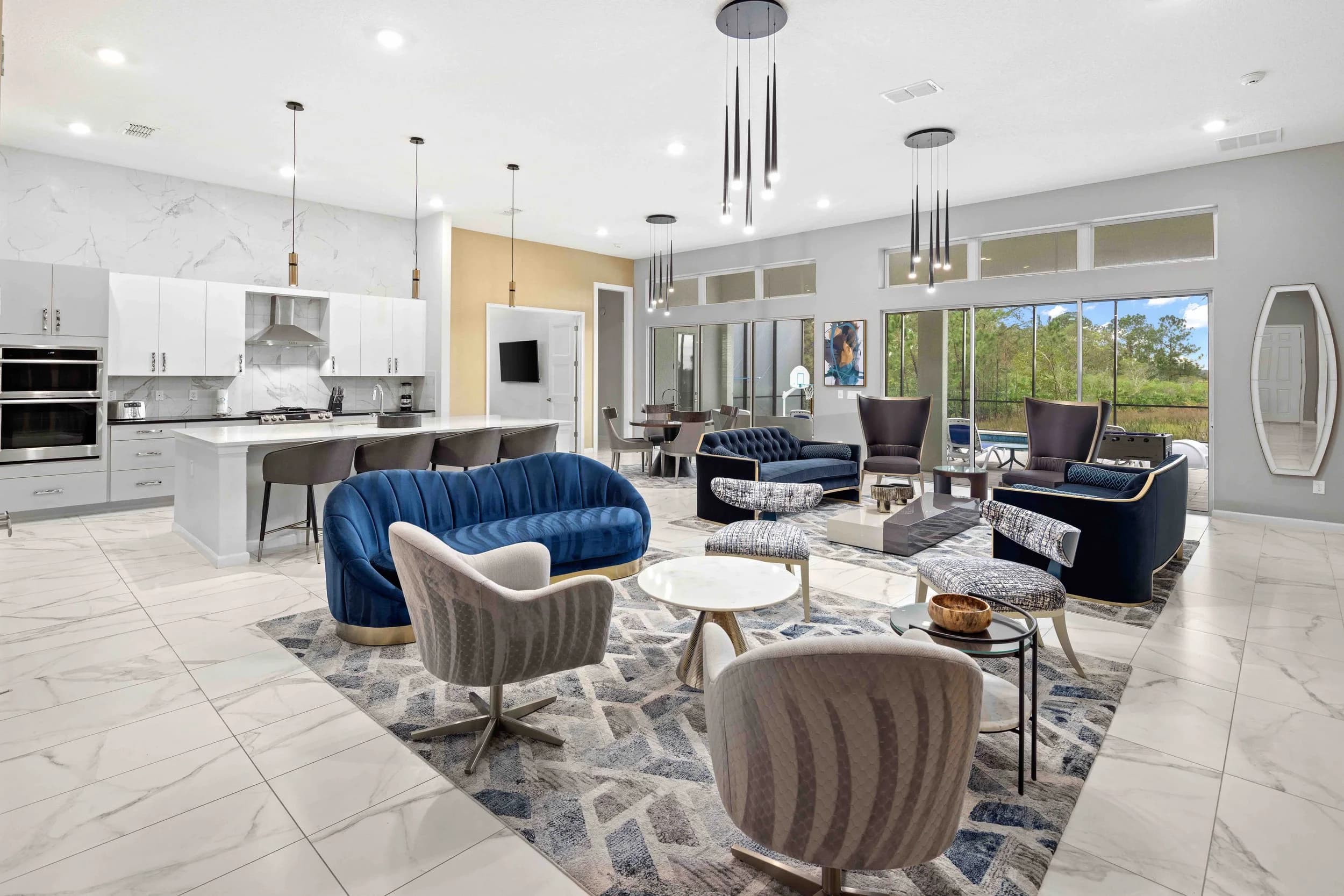
- New furniture in the main living areas. The living room and kitchen are usually among the first images guests see, so a new sectional or dining set makes those photos out of date immediately.
- Paint, flooring or major finishes. A room painted a new color or a floor replaced from carpet to plank looks like a different property.
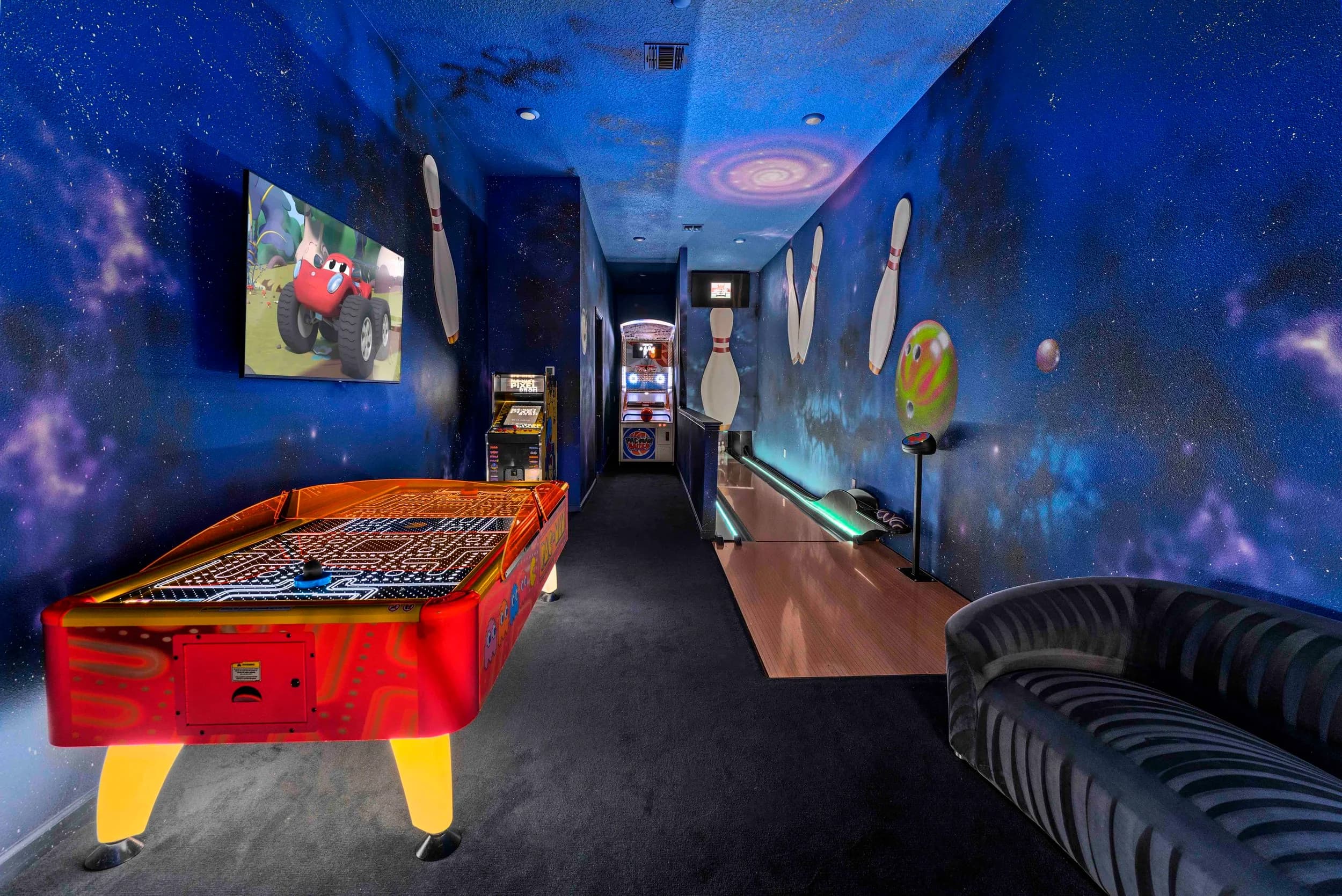
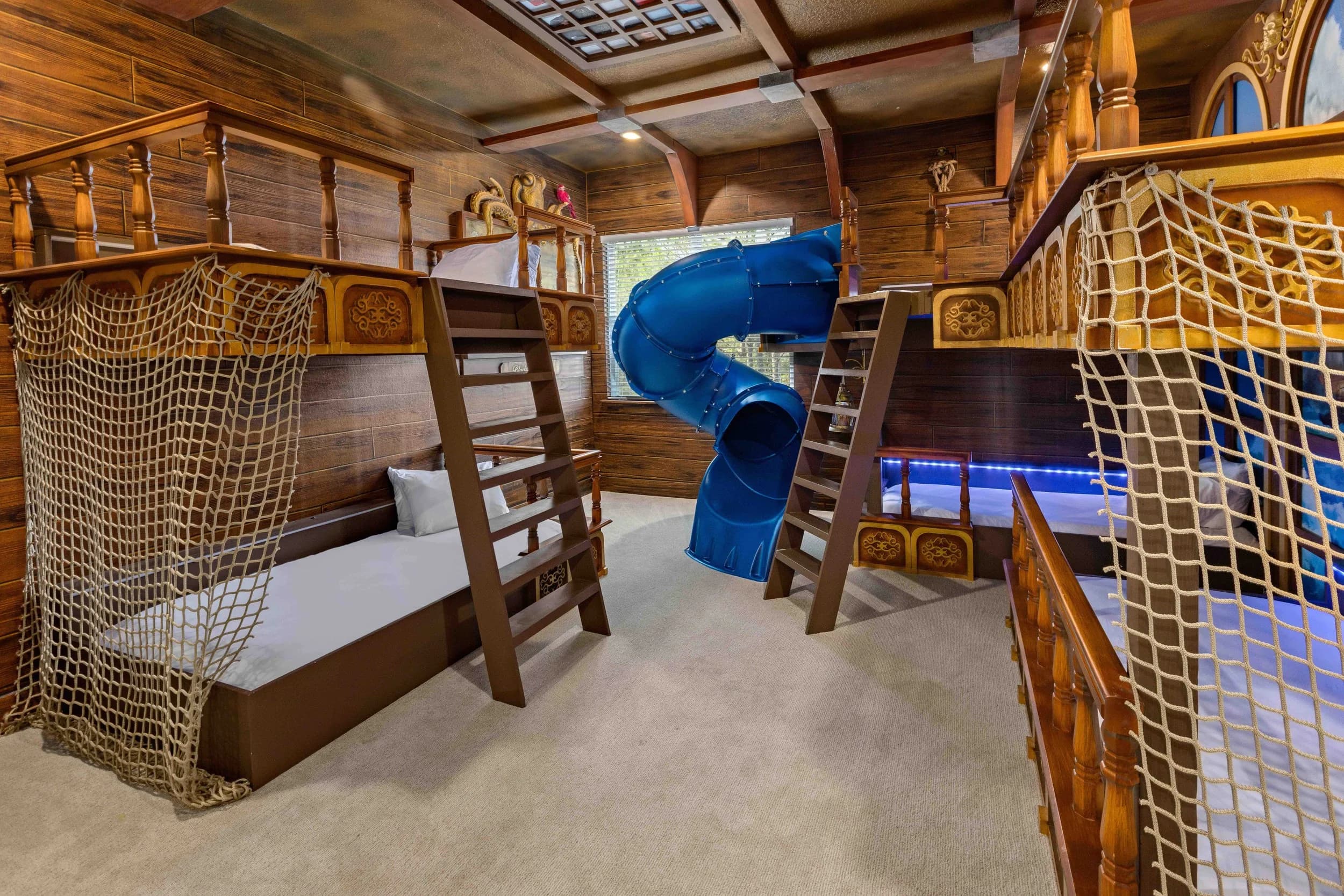
- New or converted rooms. A garage turned into a game room, an office turned into a bunk room, or a new themed bedroom deserves its own images, since it may be a reason to book.
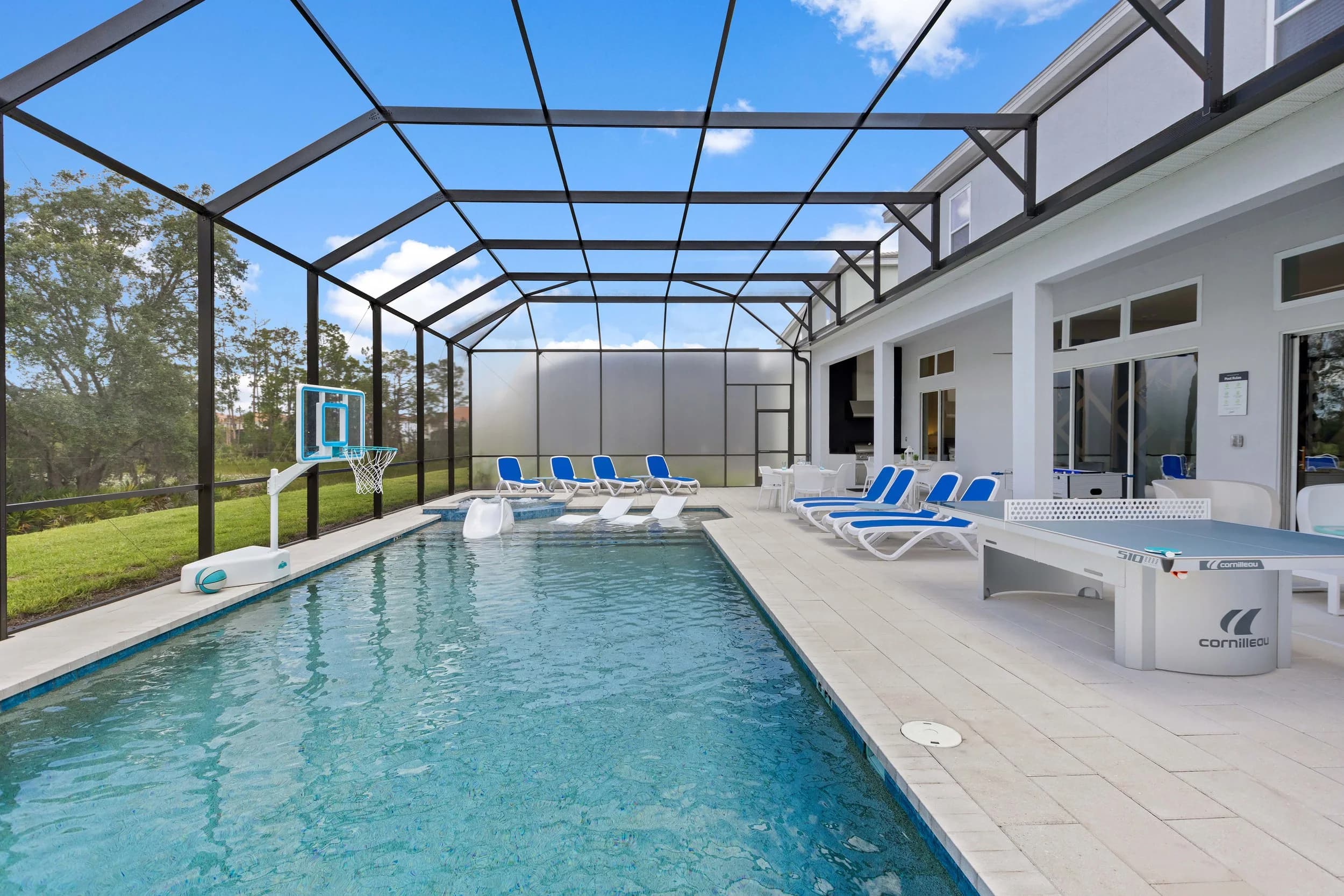
- New amenities. A pool heater, a hot tub, an outdoor kitchen, a fire pit or a new grill all belong in the gallery and the amenity list.
- Removed features. If something pictured is gone, such as a pool table or a piece of play equipment, take the image down right away to avoid a mismatch at check-in.
Sale listings follow similar logic for different reasons, and our post on when listing photos need to be reshot covers the for-sale side.
What to replace first
When the budget or the calendar only allows a partial reshoot, prioritize the images that do the most booking work:
- The cover photo. It appears in search results and decides whether a guest clicks. If the refresh changed the room or exterior in that frame, replace it first.
- The first several gallery images. Most guests decide from the opening run of photos, so make sure those reflect the current home.
- The rooms that changed most. A brand-new themed room or game room should be photographed in full, with a wide view and a few details.
- Amenities guests filter for. Pools, hot tubs and game rooms often drive search filters on the platforms, so those images need to be current and clear.
If the refresh included a new kids' room or bunk room, our post on photographing bunk rooms and themed kids' rooms covers how to show those spaces at their best.
Planning a reshoot between guest stays
A rental earns money every night it is booked, so the reshoot needs to fit the calendar. A few steps make it painless:
- Block a turnover day. Schedule the shoot right after cleaning, when the home is at its most guest-ready, and leave enough room before the next arrival.
- Finish the refresh first. Wait until every piece of furniture is assembled, art is hung and the last paint touch-ups are done. Half-finished rooms date a reshoot quickly.
- Stage the way guests will see it. Beds made with the real linens, towels folded, the pool clean and the outdoor furniture set out.
- Bundle the extras. If the home has a new pool area or game room, it may be worth adding a short video clip or an updated 3D tour on the same visit.
- Brief the photographer on what changed. A short list of the new rooms and features keeps the shoot focused and avoids reshooting rooms that are still current.
Updating every platform at once
Once the new images are ready, update every channel together: Airbnb, Vrbo, the direct booking site, the management company's site and any Google listing. Mismatched galleries across platforms confuse guests who compare before booking. Update the amenity list and the listing description at the same time so the words and pictures agree. Our guide to using vacation rental photos across Airbnb, Vrbo and Google explains how each platform displays images.
A good habit is to review the gallery every season, after each round of updates, and note which photos no longer match the home. Small, regular refreshes are easier than a full reshoot after years of changes.
JRP photographs vacation rentals across Central Florida, Tampa Bay, Austin and San Antonio, with photo, video and 3D tours available in one visit.
Ready to book? Call or text (689) 600-2131 or get in touch.