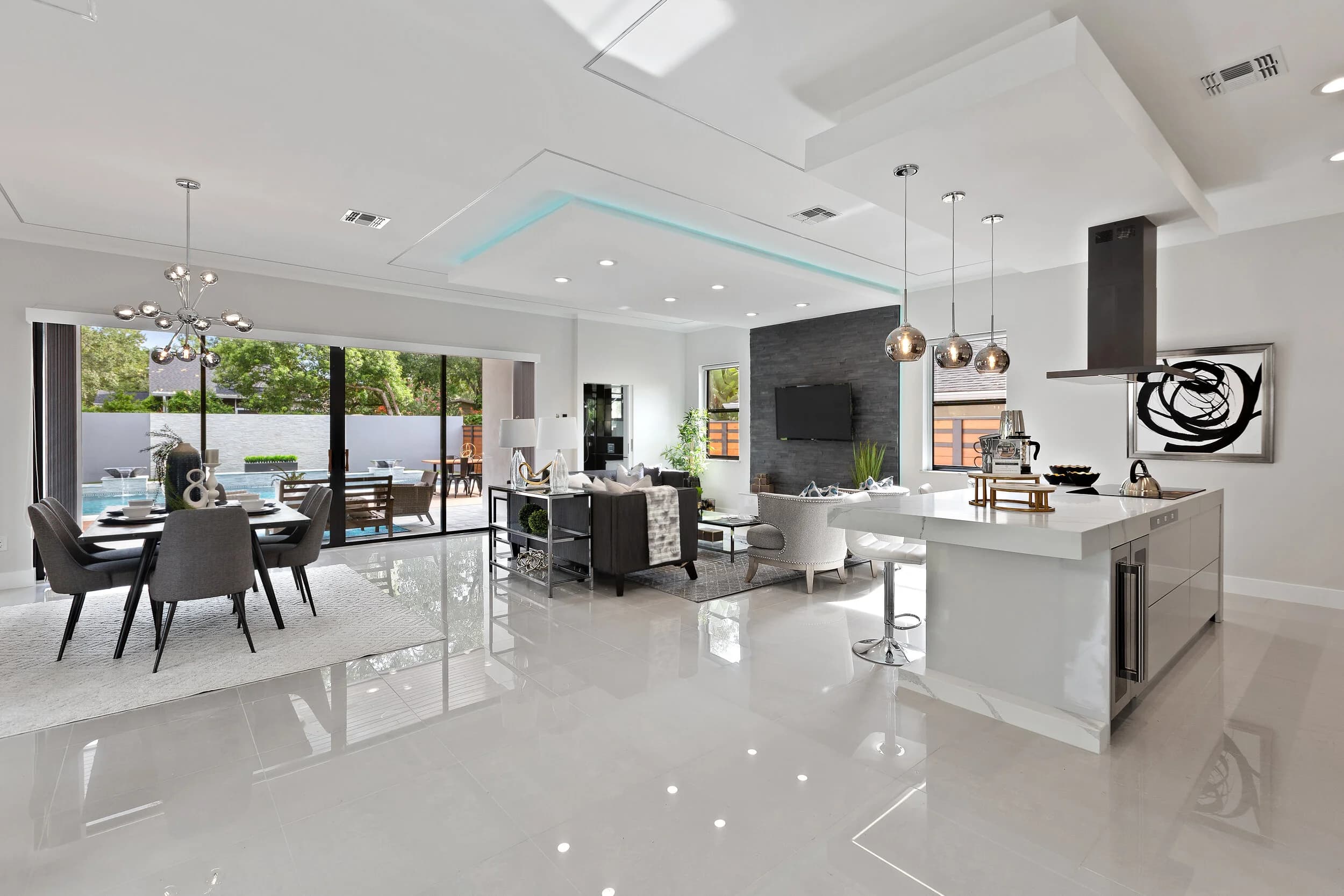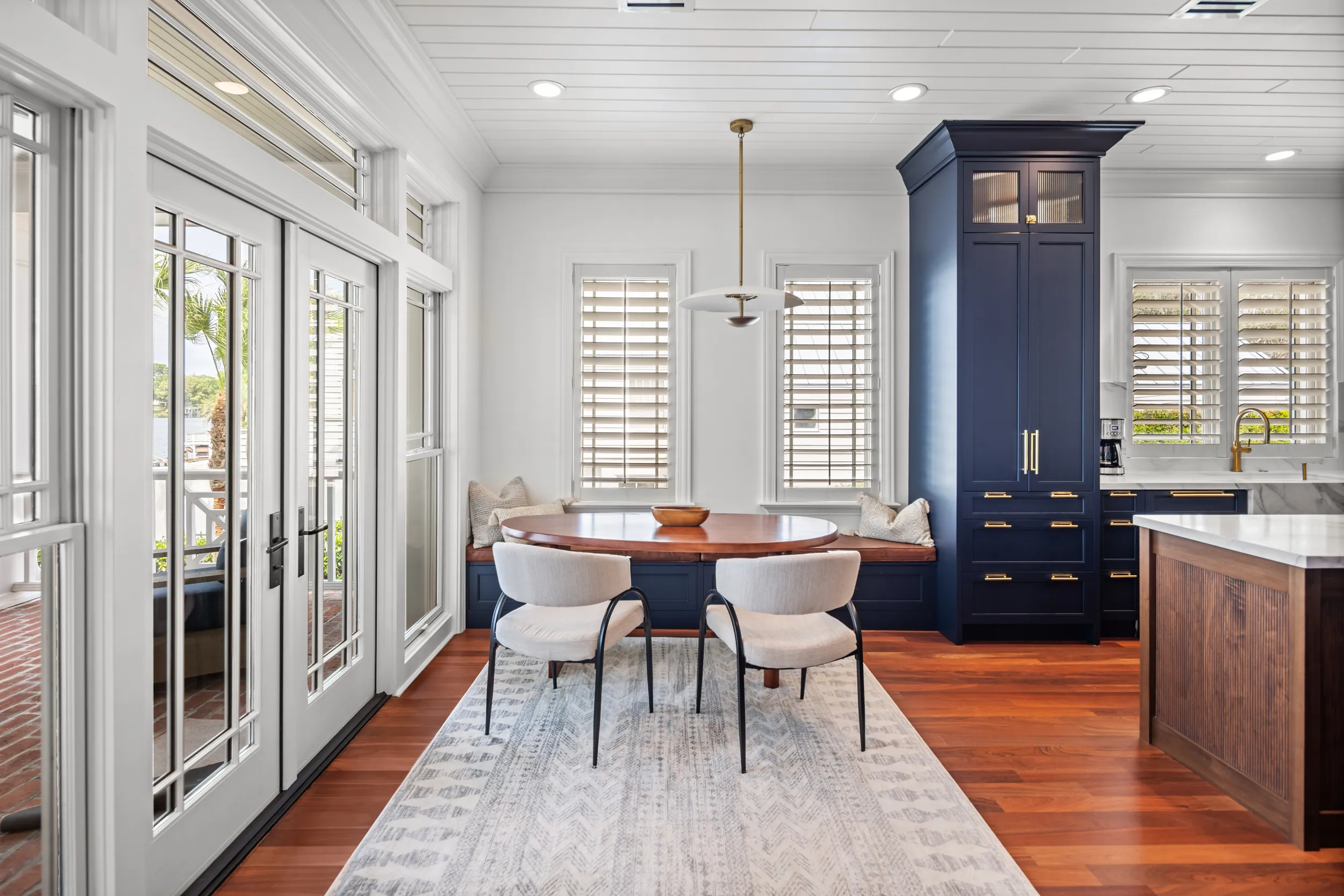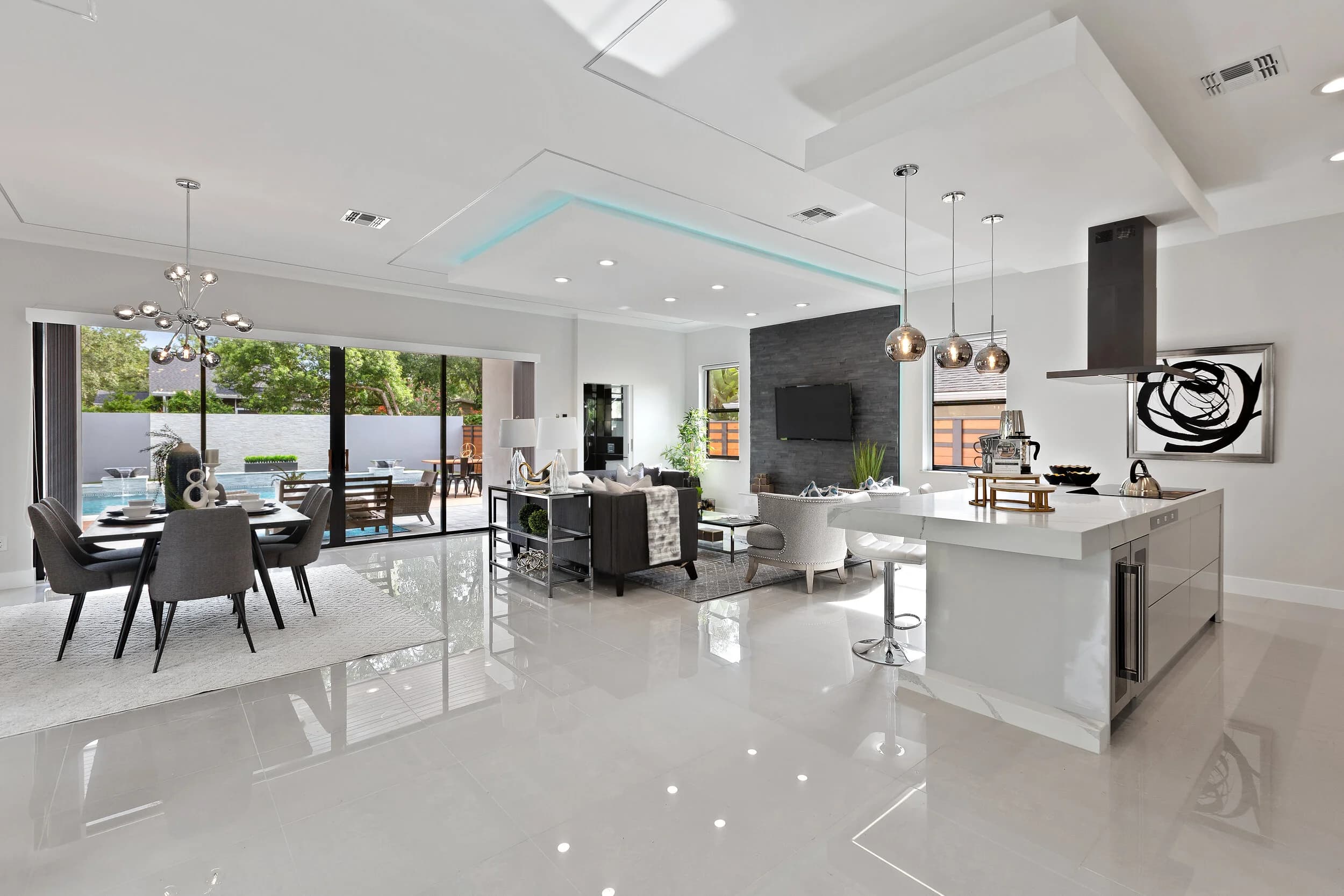
A listing shoot produces far more than a gallery for the MLS. In one visit you can end up with dozens of photos, a walkthrough film, aerials and a 3D tour. Most agents use a fraction of it: the listing goes live, a "just listed" post goes out, and the rest sits in a folder. Across a busy market like Orlando, Tampa Bay, Austin or San Antonio, that is a lot of wasted material.
This post is about building a simple content calendar from a single shoot. It is about planning and spacing the content you already have, not about editing techniques or platform tricks.
Start by Listing What You Actually Have
Before planning anything, take inventory. After a full listing shoot, the assets usually include:
- The main gallery of interior and exterior photos
- Detail shots such as finishes, fixtures and outdoor spaces
- A listing video, with clips that can be cut into shorter pieces
- Drone photos and video that show the lot and the surrounding area
- A floor plan and a 3D tour link
Listing galleries are delivered within 24 hours, video in 48 to 72 hours. Larger properties take a little longer. Once files arrive, the work is deciding what goes out when. If you are not sure how to keep the files organized, this guide to organizing and storing your listing photos covers a workflow that makes later reuse much easier.
A Four-Week Plan
Week One: Launch the Listing
The first week is about announcing the home and sending buyers to the listing. Lead with the strongest exterior or the hero room, and give each post one clear job.
- Day one: the "just listed" post with the best exterior and two or three standout interiors.
- Day two or three: the video, posted natively on each platform rather than as a link.
- Later in the week: a carousel of the kitchen, primary suite and outdoor living space, one room per slide.
Keep the details consistent. The same address, price and call to action across every post makes it easy for a buyer to act, wherever they saw the home.
Week Two: Show the Neighborhood and the Details
After the launch, the home has been seen once. Week two gives people a reason to look again by shifting the focus from the house to the setting and the small features.
- Use aerials to show the lot, nearby parks, the street and the way the neighborhood is laid out.
- Post a close-up detail, such as a custom backsplash, a built-in or a view from the back porch, with a short caption about why it matters.
- Share a floor plan or 3D tour link for buyers who want to understand the layout before they visit.
Neighborhood-focused content also works for your own brand, since it positions you as someone who knows the area. This is the same idea behind using drone photos to sell the neighborhood, not just the house.
Week Three: Drive Showings
By week three, a listing needs activity. This is the time to turn visual assets into reasons to visit in person.
- Announce the open house with a short clip and a photo that makes people want to see the room in person. For a full look at what works, see the visual assets that get people to an open house.
- Post a "behind the listing" photo or two, such as a staging detail or a before-and-after of the seller's preparation, if the seller is comfortable with it.
- Remind followers of the 3D tour for anyone who could not attend.
Week Four: Reuse the Material for Your Own Brand
The final week is where a single shoot starts working for you rather than only for the listing. A strong set of photos can support your reputation long after the home sells, as long as the seller and your brokerage allow it.
- Pull two or three images for a "recent work" post or a portfolio page.
- Turn a client comment or a sold announcement into a post that features one great image.
- Save the video clips you did not use for later: a kitchen, a pool or a view can become a short clip for the next listing announcement.
If you also run paid promotion, check the rules for using listing photos in ads first. The post on using your listing photos in Facebook and Google ads walks through what to confirm.
Keep the Calendar Simple
The goal is not to post every day. Two or three well-spaced posts a week, each with a clear purpose, will outperform a burst of posts on day one followed by silence. Set up the calendar when you book the shoot, and you will know before you arrive which images and clips you need. Tell your photographer if you want extra detail shots or a few vertical clips for social, so the material is captured while you are on site.
One shoot, planned well, can fill a month of content and keep a listing visible for as long as it needs to be.
Ready to book? Call or text (689) 600-2131 or get in touch.