Apartment communities rarely have one kind of home. A single property in Orlando, Tampa Bay, Austin or San Antonio might offer studios, one-bedrooms, two-bedrooms and a handful of townhome-style layouts, and each has its own floor plan and its own finishes. A leasing team that photographs only one model and uses it for everything can leave prospects guessing about the rest.
This post is about covering every unit type in a way that is practical and honest. It is about planning the coverage across a property, not about the model-versus-actual question, which is its own topic.
Start With a Unit Type Inventory
Before the photographer arrives, list every floor plan your community offers and note what is different about each one. A simple table is enough:
- The floor plan name and bedroom and bathroom count
- Whether the layout has a balcony, patio, den or loft
- Which finish package each unit has, such as classic or renovated
- Which units are available now, and which are leased or occupied
The inventory shows which plans need their own photos and which can be represented by a similar unit. It also shows where finish packages differ enough to deserve separate coverage.
Decide What Each Plan Needs
You do not need the same number of photos for every floor plan. A reasonable approach is to match the coverage to how prospects shop.
- Most popular plans: a full set, including living area, kitchen, bedroom, bathroom and any outdoor space.
- Less common plans: a shorter set that focuses on the rooms that differ from the main layouts.
- Premium or renovated units: additional photos that show the features that justify the difference.
The goal is to give prospects a clear idea of what they will see in the unit they tour. For a deeper look at how model and real units relate, see model unit versus actual unit in multifamily marketing.
Pair Photos With Floor Plans and 3D Tours
Photos show finishes and light. Floor plans show layout and flow. Together they answer most of what a prospect wants to know before visiting.
- Label each photo set with the floor plan name so it matches the pricing and availability pages.
- Use a 3D tour for plans where the layout is hard to understand from photos alone, such as a unit with a split bedroom arrangement.
- Make sure the floor plan graphic and the photos agree, down to the room orientation and the position of windows and doors.
That consistency builds trust. If a prospect notices that a photo shows a window where the floor plan does not, they may question everything else on the page.
Be Clear About Finishes and Upgrades
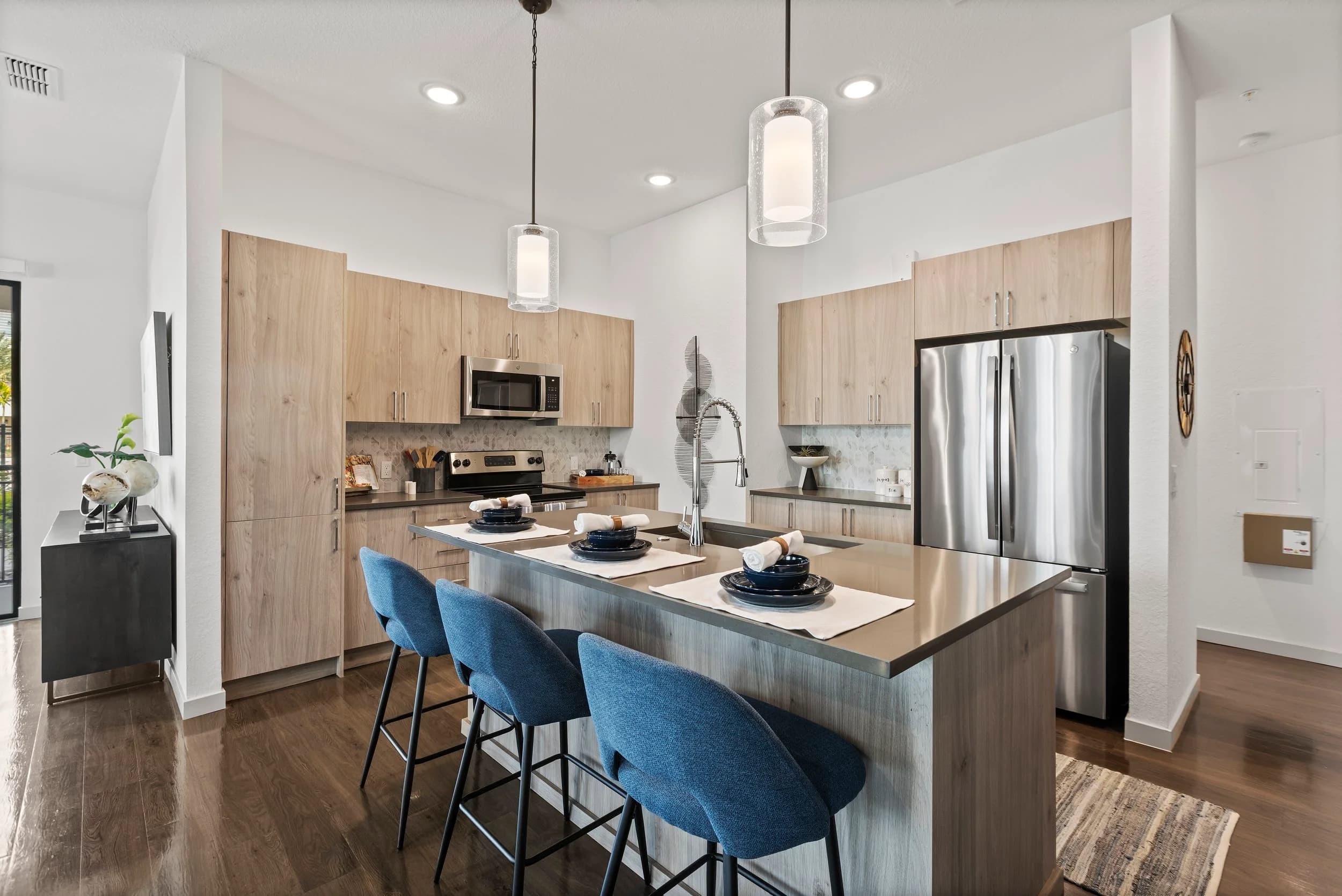
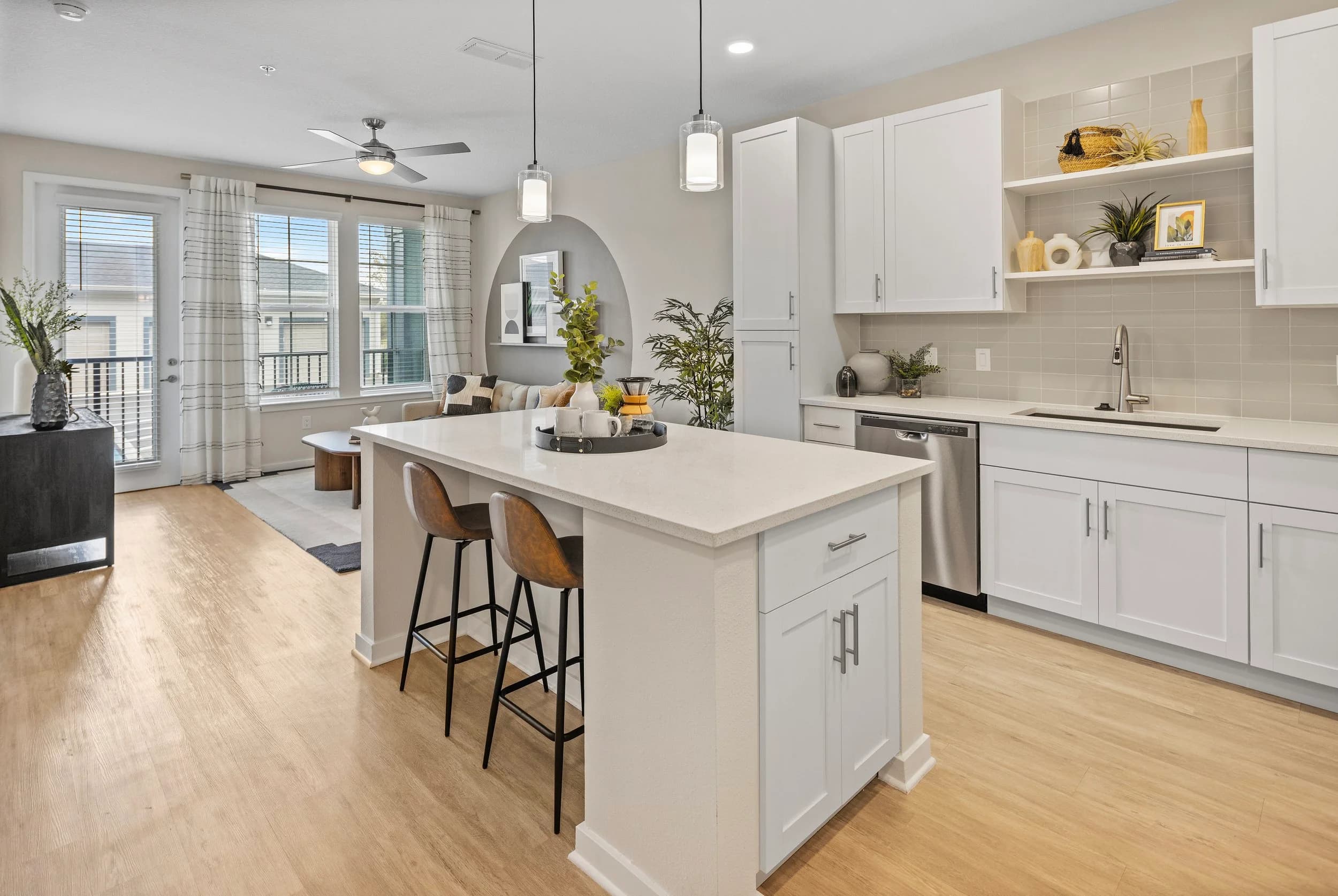
Many communities have more than one finish level within the same floor plan. A classic unit and a renovated unit may share a layout but differ in flooring, cabinetry, counters and lighting. Photographing only the best-looking version risks disappointing prospects who tour a different one.
Two simple rules help:
- Caption or tag photos so it is clear which finish package they show.
- If you only have photos of one finish level, say so on the listing, and let leasing staff explain differences during tours.
The guide to photographing value-add apartment renovations covers how to present classic and renovated units side by side.
Think Beyond the Units
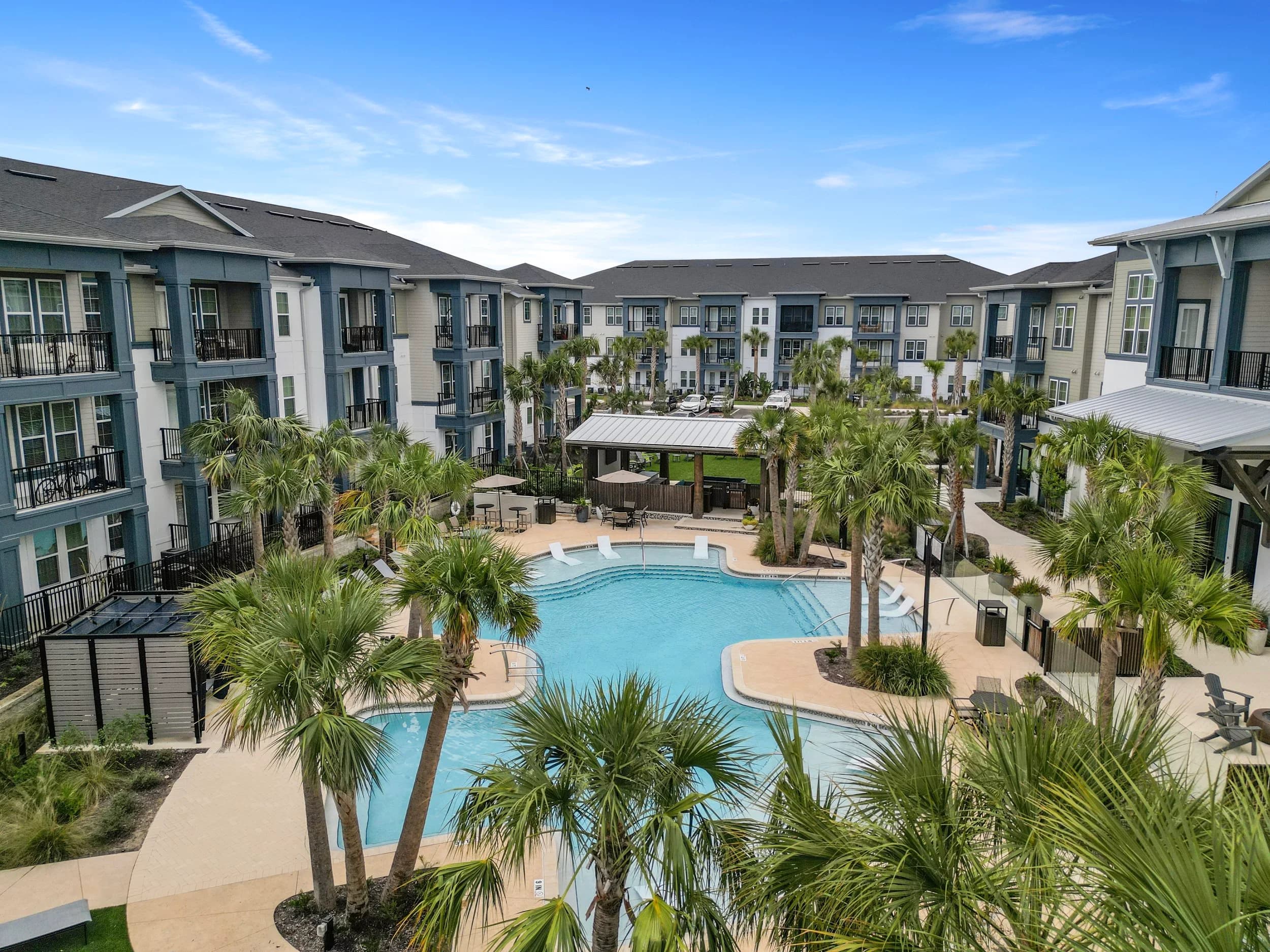
Floor plan coverage is only part of an apartment community's story. Prospects also look at amenity spaces, outdoor areas and the surrounding neighborhood, and these appear in the same marketing materials. Plan unit coverage alongside the rest of the property, using ideas from photographing apartment amenity spaces and apartment lease-up marketing ideas.
Units come and go, so coverage often depends on what is vacant and ready. Talk with your photographer ahead of time about which units are available, which are staged and which need cleaning or touch-ups. Give them a list of the plans you need, in priority order, so the most important ones are photographed first if time is short. Delivery timing is confirmed at booking.
With a clear unit inventory and a shot plan, you can cover every floor plan without photographing every apartment, and give prospects an accurate picture of the home they are considering.
Ready to book? Call or text (689) 600-2131 or get in touch.