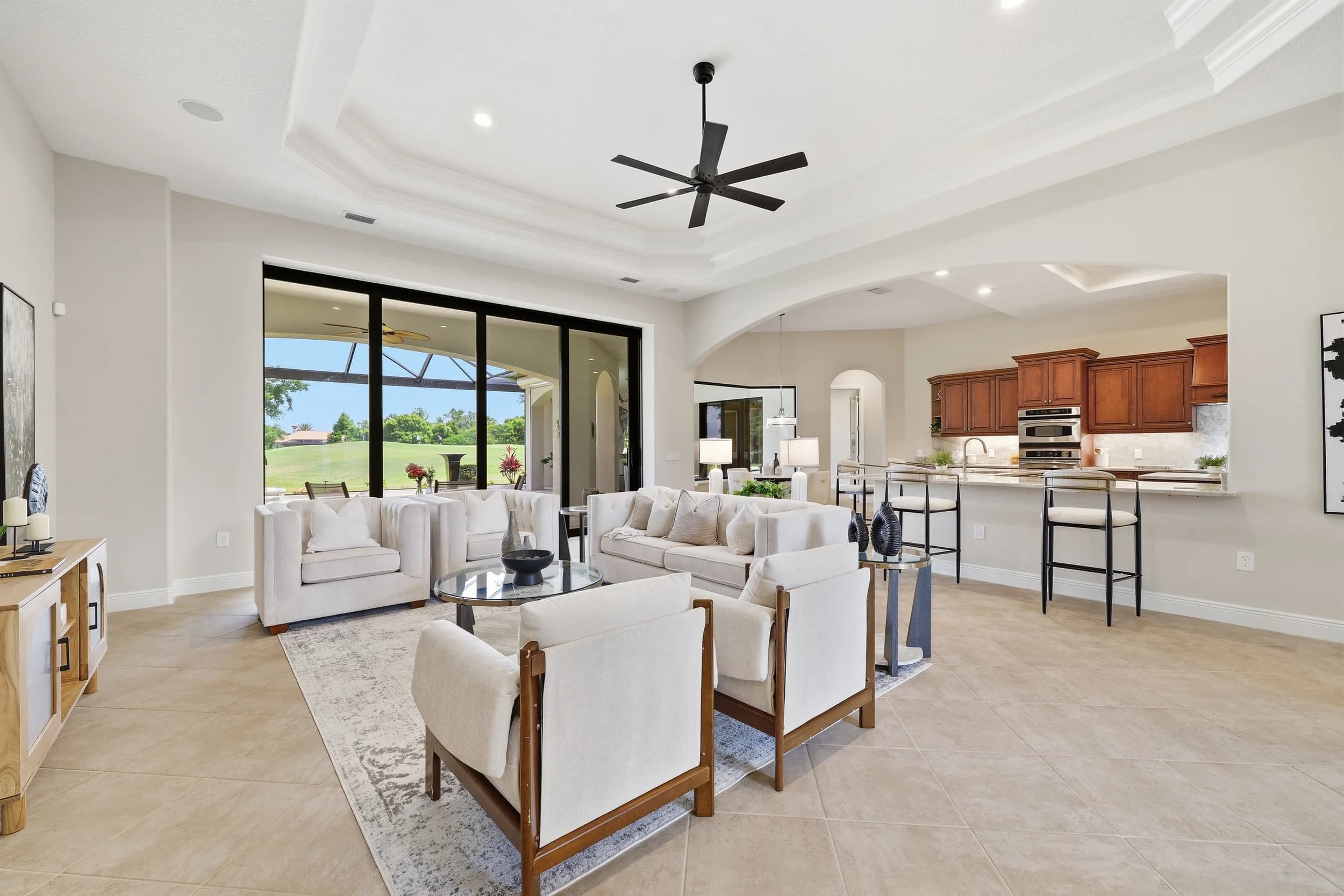
Many of the people shopping new construction in Tampa Bay don't live here yet. They are relocating for work, retiring south, or buying a second home, and a lot of them make most of their decision from another state. For Tampa Bay home builders in Wesley Chapel, Riverview, Lakewood Ranch, Parrish and the communities in between, a well-planned video walkthrough is often the closest thing those buyers get to standing inside the model.
This post covers how builders use walkthrough video for remote buyers: what to film, how it fits with photos and 3D tours, how to plan the shoot around Tampa Bay conditions, and how sales teams put the finished video to work. Brand films and social reels are different tools with different jobs, so they only come up where the line between them matters.
What an out-of-state buyer needs to see
A buyer who can't visit is trying to answer the questions they would answer in the first ten minutes of a model tour. A good walkthrough answers them in the order a visitor would ask:
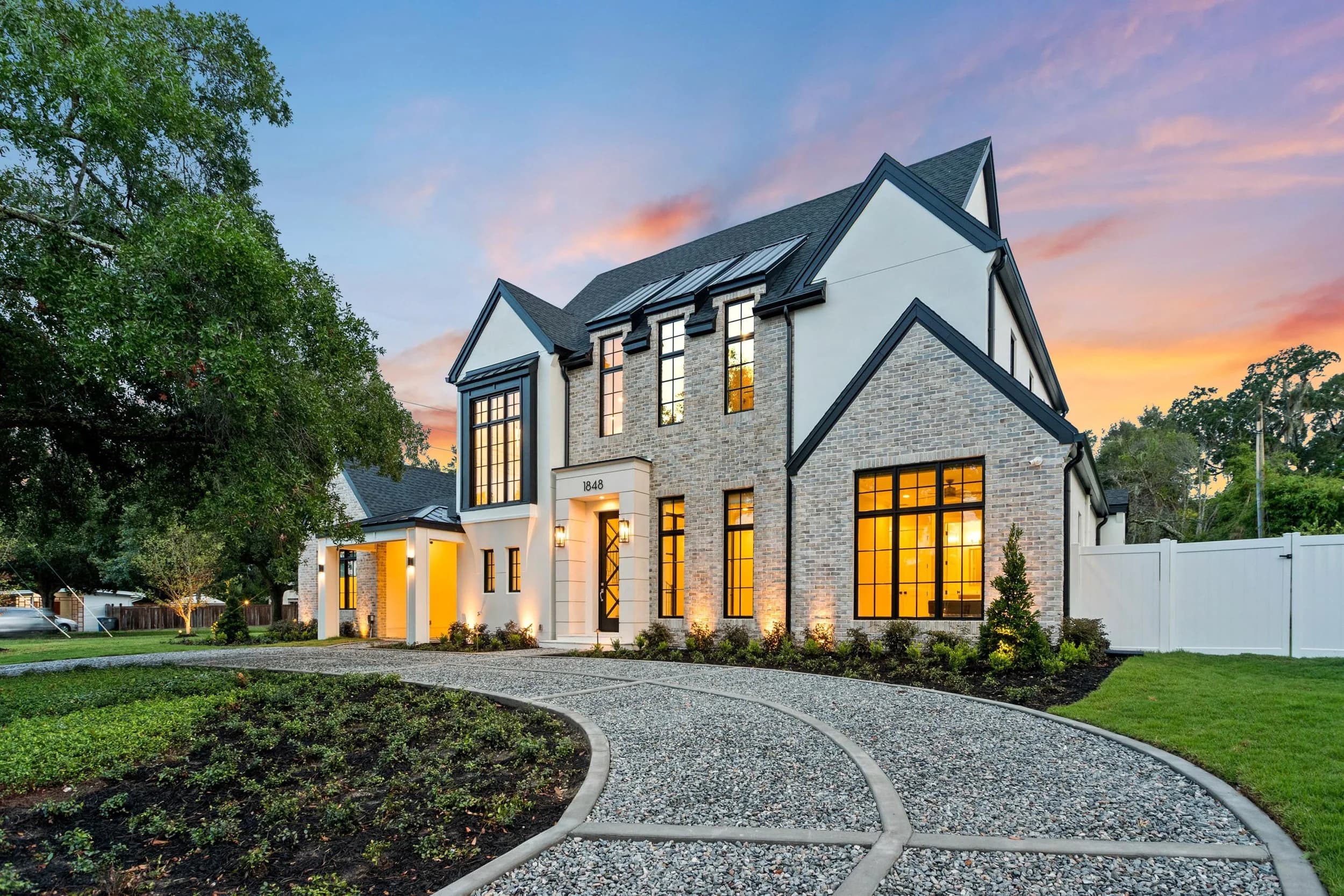
- The arrival. The street, the front elevation, the entry, and the first view from the foyer. This sets scale before anything else.
- Room-to-room flow. How the kitchen relates to the living area, where the dining space sits, and how far the primary suite is from the secondary bedrooms. Photos show rooms. Video shows the connections between them.
- The things still photos flatten. Ceiling height, the depth of a covered lanai, the view from the kitchen island to the pool, and how natural light falls on each side of the house.
- Finishes up close. Cabinet fronts, counters, flooring transitions and fixtures, with a clear on-screen note or voiceover about which items are standard and which are model upgrades.
- The setting. A short look at the streetscape, ponds or preserve views behind the homesites, and the amenity center, shown rather than described.
Out-of-state buyers are careful. They are committing to a home they haven't walked, so honest framing matters more than drama. A slow, steady walkthrough that never cuts away from an awkward corner builds more trust than a stylish edit that skips half the house.
Walkthrough video, 3D tours and photos work as a set
Each format does one job well. Photos stop the scroll and sell the best angles. A 3D tour lets the buyer move at their own pace, revisit rooms and measure. Walkthrough video carries the sequence and feel of moving through the home, with someone (or something) guiding attention.
Builders who sell well to remote buyers usually offer all three for each model and for key spec homes. If you are weighing whether a 3D tour should carry most of the load, our separate post on virtual model home tours for buyers who cannot visit covers that side. For the difference between a guided walkthrough and a more cinematic edit, see walk-through video vs cinematic video. The short version: for a buyer who has never been to Pasco or Manatee County, the walkthrough is the one that answers practical questions.
Planning the shoot around Tampa Bay conditions
Walkthroughs are mostly interior, but the parts that sell Florida living happen outside, and the weather shapes the plan.
- Film exteriors and lanais in the morning. Summer afternoons in Tampa Bay often bring storms and flat gray light. Interiors can continue when clouds roll in; exteriors usually can't.
- Watch the move from air conditioning to outdoors. Cold lenses fog in the humidity. Building a few minutes into the plan for gear to adjust avoids a soft, hazy lanai shot.
- Prepare screen enclosures and pools. Clean screens, run the pool so the water is clear, and turn off any distracting water features unless they are a selling point.
- Separate models from spec homes. A merchandised model shows the lifestyle. A finished spec home shows what actually ships. Remote buyers appreciate seeing both, labeled clearly.
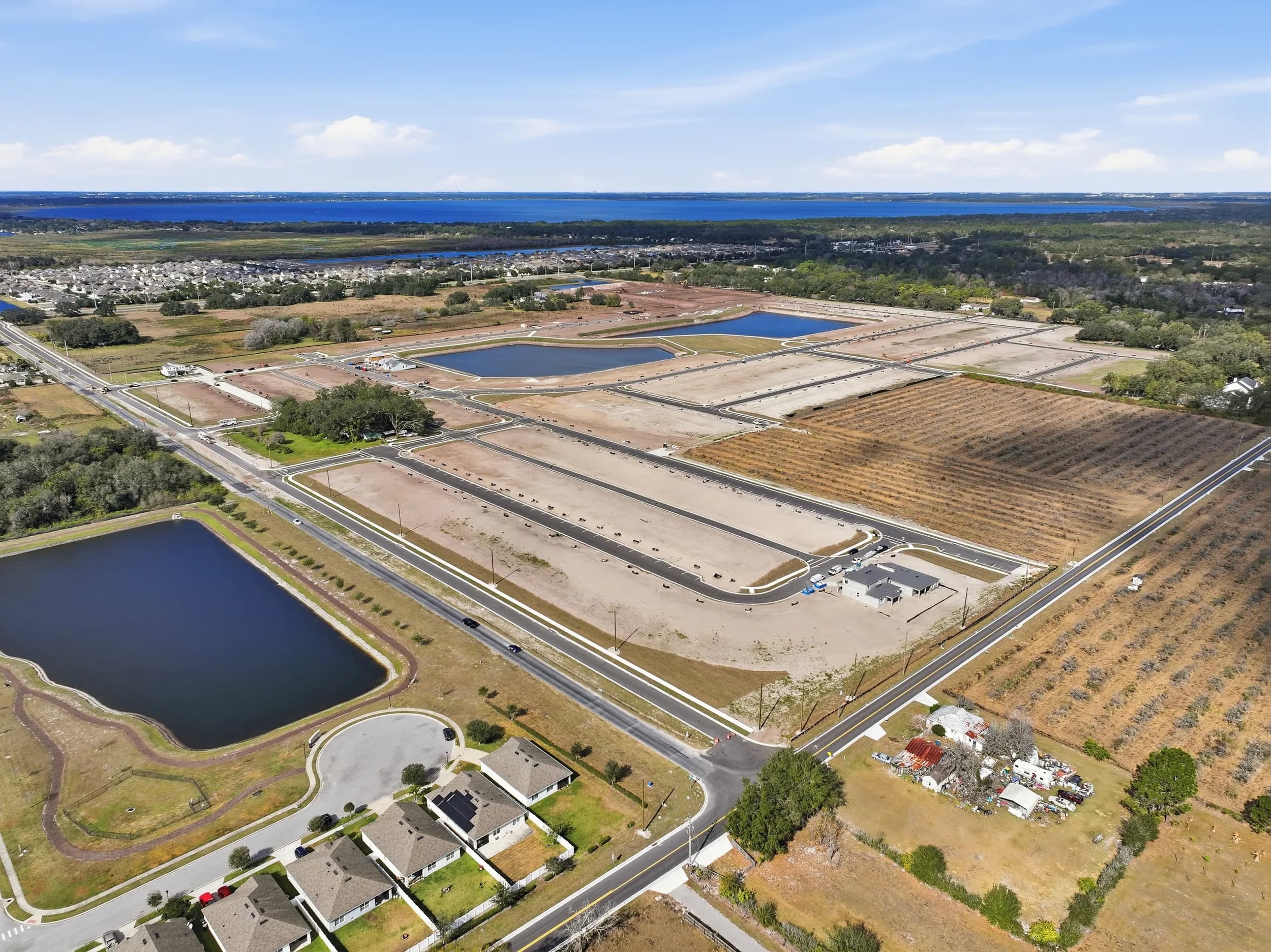
- Frame around active construction. In a community that is still building out, plan exterior moves so trucks and open lots don't dominate, without pretending the community is finished.
How sales teams put the video to work
A walkthrough earns its keep after the shoot, when the sales team uses it every day. Common uses:
- Follow-up after a first inquiry. The online sales counselor sends the walkthrough for the plan the buyer asked about, instead of a brochure link.
- Virtual appointments. The counselor screen-shares the video on a call, pauses on rooms, and answers questions live. This turns a passive video into a guided tour.
- Buyer's agents. Relocation buyers often work with an agent who can't visit every model either. A link they can forward saves everyone a trip.
- Community and plan pages. Embedding the walkthrough next to the floor plan keeps buyers on the builder's site longer than a photo gallery alone.
- Two lengths. A full walkthrough for serious buyers and a short cut for email and social. The full version should never be cut down so far that the flow between rooms gets lost.
If the community also needs a story-driven piece about lifestyle and location, that is a community brand film, a separate project from plan-by-plan walkthroughs. For the wider picture of photo, video and drone work across the region's new communities, see who photographs model homes and new communities in Tampa Bay.
Frequently asked questions
Do you film model home walkthroughs in Wesley Chapel, Riverview and Lakewood Ranch?
Yes. JRP has a local crew in Tampa Bay and films model homes, spec homes and amenity centers across Pasco, Hillsborough, Manatee and Pinellas counties. Builders with several communities can schedule walkthroughs for multiple plans in the same visit.
Should the walkthrough be one continuous shot?
Not necessarily. A single unbroken take feels authentic but can drag in a large home. Most builder walkthroughs use smooth, connected moves with clean transitions, so the buyer never loses track of where they are.
Can one visit cover photos, video and a 3D tour?
Usually, yes. Photos, walkthrough video, drone and a Matterport scan of a model home are commonly captured on the same day, which keeps the merchandising and lighting consistent across every format. How long the visit takes depends on the size of the home.
Do we need a voiceover?
Not always. Music with short on-screen labels works well for plan walkthroughs. A voiceover from a sales counselor adds a personal touch and helps when you need to explain standard features versus upgrades.
When will the finished walkthrough be ready?
Delivery timing for builder video is confirmed at booking, based on the number of plans and the edits involved.
Ready to book? Call or text (689) 600-2131 or get in touch.