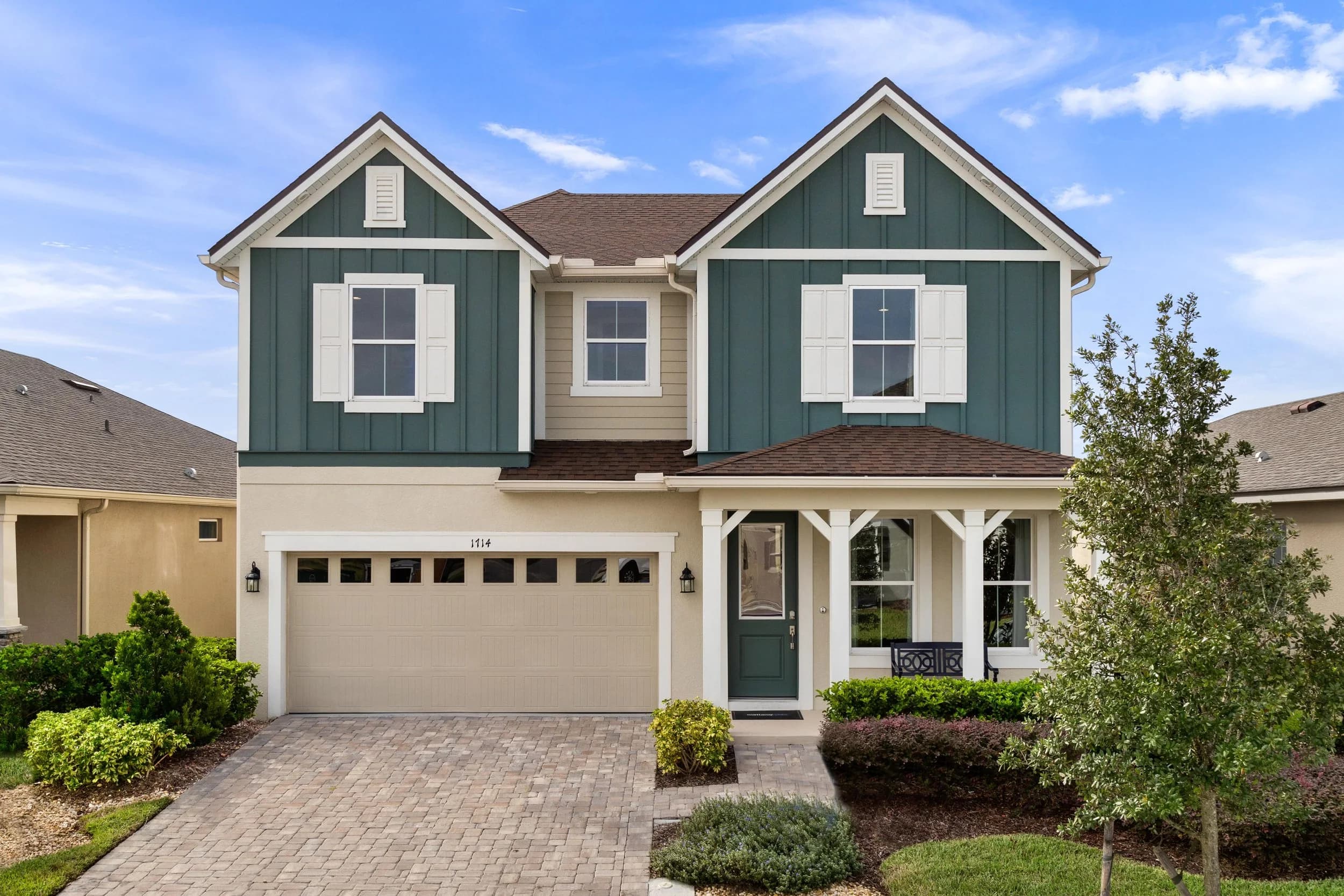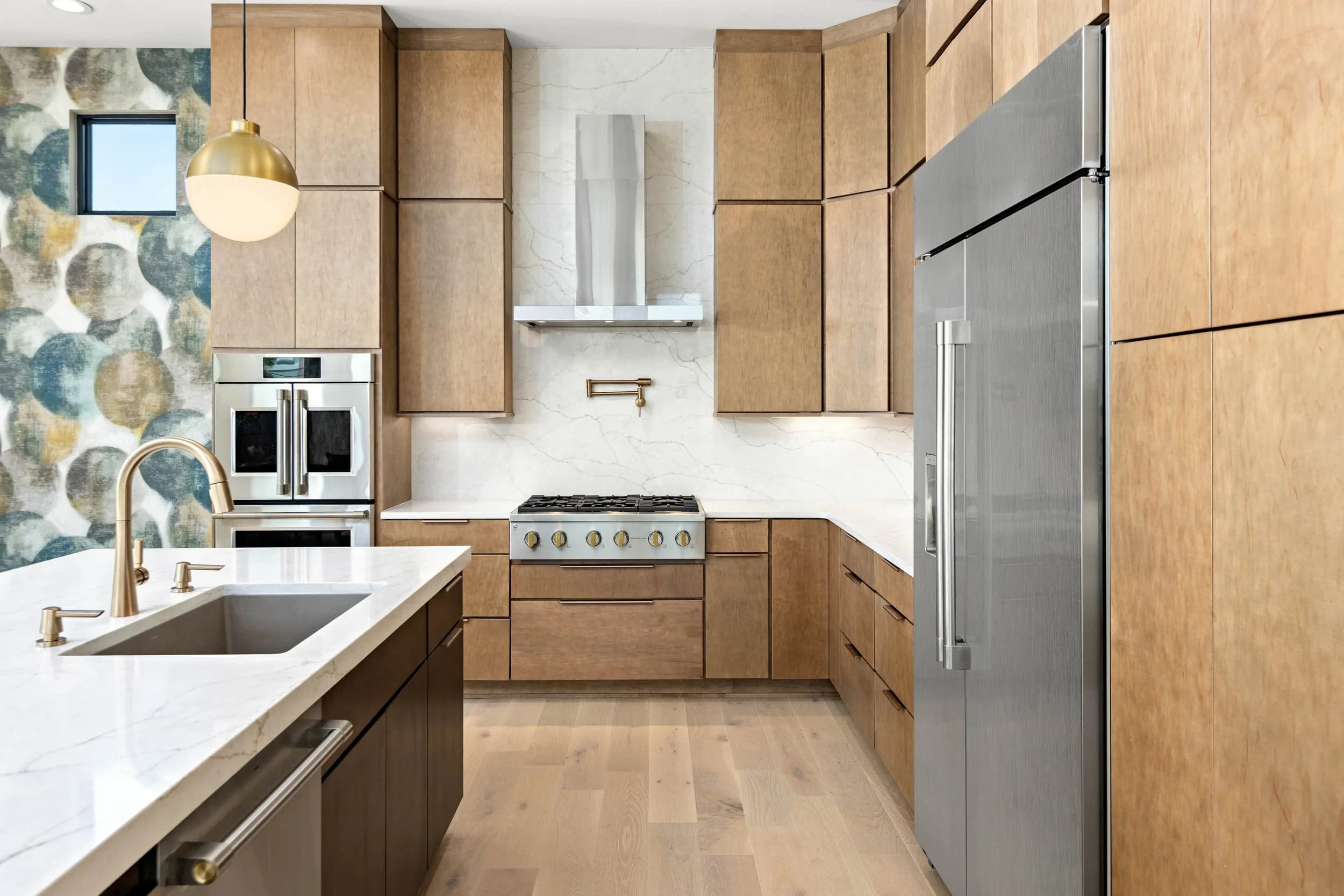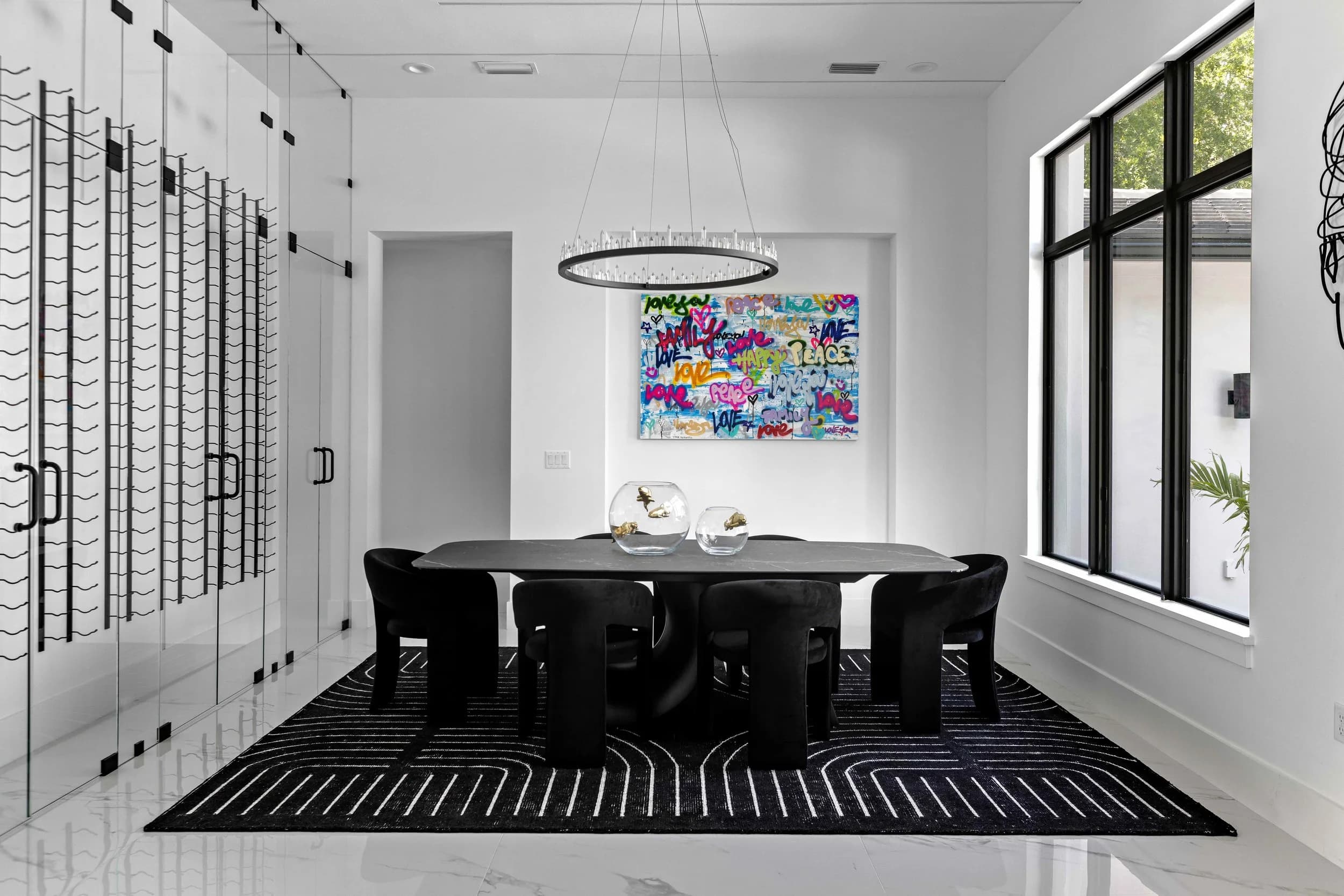
You upload a gallery, go to bed, and wake up to an email saying photos have been removed from your listing. It is a small problem that feels like a large one, because it usually surfaces on the day the listing goes live and nobody explains what actually triggered it.
Here is what typically causes it, and how to avoid the whole category.
Rules Are Set by Your Board, Not by Some Universal Standard
The first thing worth understanding is that there is no single national rulebook. Photo requirements are set by each MLS or association, so what is enforced in Stellar MLS in Orlando and Tampa Bay is not necessarily what is enforced by a board in Austin or San Antonio.
That means one thing practically: the authoritative answer is always your board's current rules and your broker's compliance guidance, not a blog post, not what another agent told you, and not what you did last year. Rules change. Verify.
What follows are the patterns that come up repeatedly across boards.
The Most Common Reasons Photos Get Flagged
- Branding in the frame. Most boards prohibit agent or brokerage identification in listing photos. This catches people out in indirect ways: a yard sign visible in the front exterior, a rider on a post, a business card on the counter, a branded sign in a window, a logo on a vehicle in the driveway.
- Watermarks and overlays. Text on the image, a photographer's or agent's watermark, a "Coming Soon" or "Sold" banner, price text, or a decorative border. Some boards reject any overlay at all.
- Undisclosed virtual staging or editing. This is the fastest-growing category. Furniture added digitally, a sky replaced, an object removed, a pool added, or a room otherwise altered generally has to be disclosed — often with a label on the image itself. The problem is rarely the staging; it is the missing disclosure.
- Photos that are not of the property. Stock images, developer renderings presented as photos, or neighborhood shots that could be mistaken for the home.
- People and identifiable faces. Occupants, children, neighbors, or workers in frame.
- Content that raises fair housing concerns. Photos that signal who does or does not live in a neighborhood, including some family photos and religious items left in frame.
- Third-party rights. Uploading photos you do not have the license to use — most often photos from a prior listing, shot by a different photographer, for a different agent.
The One That Catches Experienced Agents
Reusing a previous gallery is the most common serious version of this problem, and it is worth separating from the rest because the consequences run past a flag.
Photographs are licensed, not sold. When a photographer delivers a gallery, the agent who commissioned it typically receives a license to market that listing. That license usually does not transfer to the next agent, the seller, an investor who buys the property, or a portal that scrapes it. If a home was listed two years ago and you pull those images off the old listing for your new one, you are using someone else's work without a license, and photographers do notice — reverse image search is trivial now.
The fix is easy and boring: use photos you commissioned, or get written permission from whoever holds the license.
What To Do When It Happens
- Read the notice carefully. It normally names the specific image and the specific rule. That is faster than guessing.
- Fix and re-upload rather than argue. Most flags are resolved in ten minutes by swapping one photo.
- Ask your photographer for a clean version. A sign or a branded object can often be edited out, or the frame reshot from an angle that avoids it.
- Loop in your broker for anything repeated. Repeat violations are what turn a warning into a fine.
- Do not simply re-upload the same file. That is how a warning escalates.
Preventing It at the Shoot
Nearly all of this is avoidable before the camera comes out:
- Pull signs and riders before exteriors, or ask the photographer to shoot the front before installation
- Clear branded material and personal documents from counters and walls
- Move vehicles, including branded ones
- Confirm the property is empty of people during the shoot
- Decide about virtual staging up front and agree who applies the disclosure label
- Keep the unbranded and branded versions separate if you need both — one set for the MLS, one for your own marketing
A photographer who works in your market regularly should be prompting for most of this without being asked, because they have watched other clients get flagged for it.
We shoot to MLS-safe standards by default across Orlando, Tampa Bay, Central Florida, and Central Texas, deliver unbranded galleries for MLS use alongside branded versions for your own marketing, and label virtually staged images clearly.
Ready to book? Get in touch or call us — we serve Orlando, Tampa Bay, and Central Texas.